How to Pay Electricity Bills Online in Pakistan (2026)
Short Summary
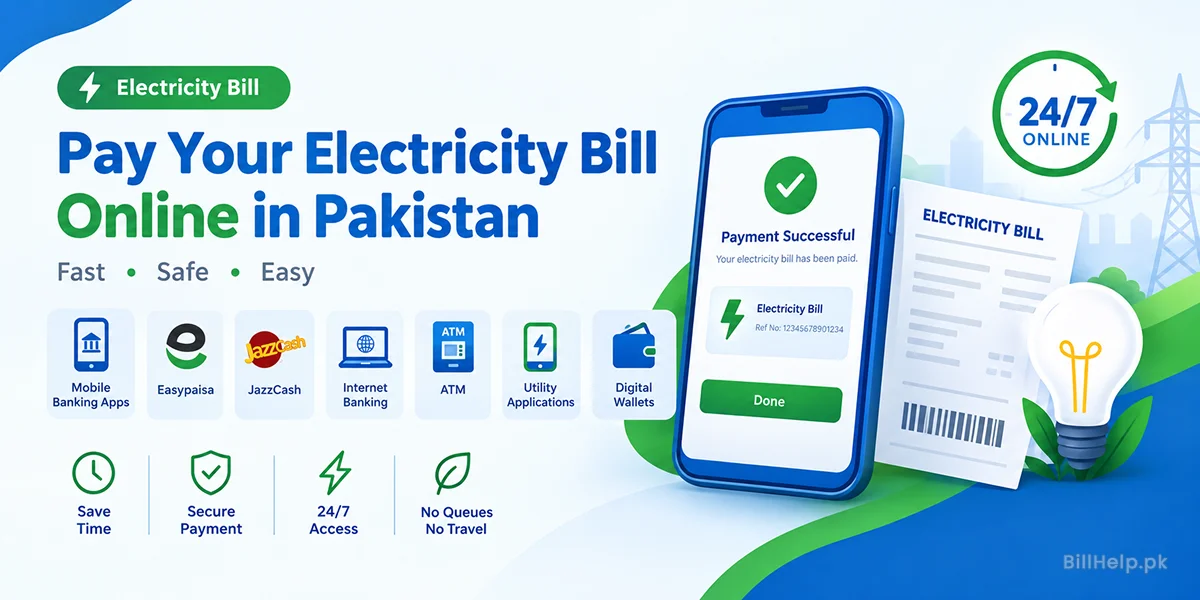
How to pay your electricity bill online:
- Mobile Banking Apps
- Easypaisa
- JazzCash
- Internet Banking
- ATM
- Official Utility Applications
- Digital Wallets
Why Pay Your Electricity Bills Online?
You don’t have to stand in long lines at the bank any more. Almost all of the DISCOs in Pakistan have online bill payment provisions through banks and digital wallets.
Online bill payment is:
- Fast
- Secure
- Available 24/7
- Ease of use
- Saves time and travel expenses
If your electricity bill is of LESCO, FESCO, IESCO, MEPCO, GEPCO, PESCO, HESCO, SEPCO, TESCO, QESCO, or HAZECO, the payment process stays almost the same.
Online Payment Methods Accepted
| Payment Method | Available 24/7 | Instant Payment | Easy to Use |
|---|---|---|---|
| Mobile Banking Apps | ✅ | ✅ | ⭐⭐⭐⭐ |
| Easypaisa | ✅ | ✅ | ⭐⭐⭐ |
| JazzCash | ✅ | ✅ | ⭐⭐⭐⭐⭐ |
| Internet Banking | ✅ | ✅ | ⭐⭐⭐⭐ |
| ATM | Depends on Bank | ✅ | ⭐⭐⭐⭐ |
| Official Utility Apps | ✅ | ✅ | ⭐⭐⭐⭐ |
1. Pay Through Mobile Banking Apps
Almost every bank in Pakistan offers bill payment through its mobile application.
Popular Banking Apps
- HBL Mobile
- Meezan Bank
- UBL Digital
- MCB Live
- Bank Alfalah
- Allied Bank
- Askari Bank
- Bank of Punjab
How to Pay
- Open your banking app.
- Tap Bill Payments.
- Select Electricity.
- Choose your related electricity company.
- Enter the 14-digit Reference Number.
- Check the amount.
- Check the payment.
Tip: Keep the slip after payment for future reference.
2. Pay Using Easypaisa
Pakistan’s most trusted digital wallet is the Easypaisa.
You can now pay your electricity bill in just a few minutes.
Steps
- Open Easypaisa.
- Tap Bill Payment.
- Select Electricity.
- Choose your DISCO.
- Enter the Reference Number.
- Confirm payment.
Benefits
- Available anytime
- Instant confirmation
- Easy to use
- Secure transactions
3. Pay Through JazzCash
There is no difference between the working procedure of Jazzcash and Easypaisa.
Just key in your Reference Number, verify the bill details and make payment.
4. Online Banking
If you like to use a laptop or desktop then Internet Banking is another reliable option.
Just log on to your bank account, click on Utility Bills, key in your Reference Number and confirm payment.
5. ATM Payment
Many ATMs also support utility bill payments.
Steps
- Insert your ATM card.
- Enter your PIN.
- Select Bill Payment.
- Choose Electricity.
- Enter the Reference Number.
- Confirm payment.
6. Apps of Official Electricity Providers
There are many electricity distribution companies with official mobile apps.
These apps let you:
- Duplicate bill check
- Download Invoices
- Make payment online
- See payment history
- Receive bill alerts
Comparison of payment methods
| Method | Best For | Processing Time |
|---|---|---|
| Mobile Banking | Bank Customers | Instant |
| Easypaisa | Everyone | Instant |
| JazzCash | Everyone | Instant |
| ATM | Card Holders | Instant |
| Internet Banking | Desktop Users | Instant |
What to think about before payment?
It is important that you verify these points before making payment.
| Check | Why Is It Important |
|---|---|
| Reference Number | Stops payment errors |
| Bill Amount | Payment is correct |
| Due Date | No late payment penalty |
| Payment Receipt | Good for future records |
Benefits of Paying Bills Online
✅ No waiting in queues
✅ Pay from home
✅ Secure payment
✅ Available 24 hours
✅ Instant confirmation
✅ Easy payment history
Typical Problems and Their Solutions
| Problem | Solution |
|---|---|
| Invalid Reference Number | Check again before you confirm |
| Payment Failed | Please try again in a few minutes |
| Amount Not Updated | Wait processing |
| Internet Issue | Internet connection stable |
Frequently Asked Questions
What is the easiest way to pay the electricity bill through online payment methods?
For most people Easypaisa, JazzCash and mobile banking applications have become the fastest and easiest method.
Can I pay someone else's electricity bill?
Yes. You only need the reference number printed on that bill (or the account number for K-Electric).
Is online bill payment safe?
Yes. It is always advised to use banking applications, digital wallet applications or applications provided by electricity companies.
Do I have to open an account?
Yes, in most cases opening an account is necessary in order to be able to perform online payments via mobile banking application or other digital wallet services.
Online electricity bill payment is making it very easy for us to manage our utility bills. Regardless of whether you opt for a mobile banking application, Easypaisa, JazzCash, internet banking or ATMs, the process is quick, easy and convenient at any time.
Official sources to check:PITC web bill service · K-Electric