Table of Contents
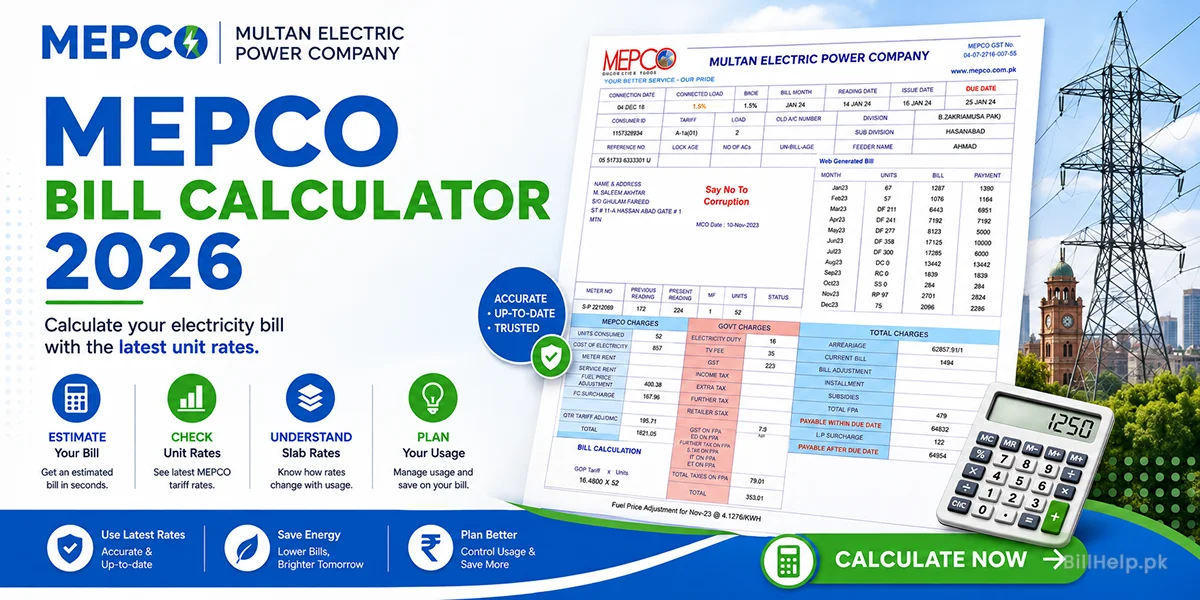
Where is the 14-Digit Reference Number on Your Bill?
To check your duplicate bill, you must enter either your 14-digit Reference Number or your 10-digit Consumer ID. Both of these identification numbers are printed directly on your physical bill.
You can find them in the checklist down below:
- Reference Number: A 14 digit alphanumeric code, it is usually
05 15111 0023405 Uor12 15412 1234567 R.You will find it in the top left area or the top center column of your bill. - Consumer ID: This is a shorter 10-digit numeric code above or next to the reference number box.
How to Check Your MEPCO Bill Online (Step-by-Step Guide)
Checking your bill online takes less than a minute. Here are some easy steps to follow:
Top of This Page
Return to our inbuilt MEPCO Bill Checker Tool interface.
Enter Reference Number or Consumer ID
Carefully type your 14 digit Reference Number or 10 digit Consumer ID.
Auto Bill Type Detection
You do not need to choose whether you are checking a regular residential connection or a high-voltage industrial commercial bill. Billhelp.pk smartly detects whether provided reference number is residential or industrial (mdi).
Click "Check Bill"
Click the "Check Bill" button. Within seconds, your quick MEPCO electricity bill information will load on the screen.
How to Download or Print Your MEPCO Duplicate Bill
If you require a physical hard copy of the bill for bank payments or legal verifications, you can print it out easily from our portal:
- Once your bill loads on screen, open full bill and press Ctrl + P on your computer keyboard. You can also click on the Printer Icon located on top right of the bill.
- If you are on a smartphone, tap the browser's menu options (three dots in the top right) and select "Share" > "Print".
- In the destination printer options, select "Save as PDF" to save a digital duplicate copy directly onto your device.
What are the Official PITC and Web Bill Systems?
You might see reference terms like “PITC” or “web bill check.” PITC ( Power Information Technology Company ) is the central government database that contains the electricity records of all the major distribution companies of Pakistan.
Our system securely routes queries directly to the PITC server endpoints for accurate, real-time data so you get official, real-time rates and bill listings instantly.
How and Where to Pay MEPCO Online Bill Payment
Once you’ve retrieved your duplicate bill and checked the due date, you can make a quick and easy payment via a number of digital options:
- Mobile Wallets: Easypaisa, JazzCash, Nayapay or SadaPay.
- Online Banking Apps: Access to any commercial bank apps (HBL, Alfalah, UBL, Meezan, etc.), head over to "Utility Bills", enter your reference number, and pay.
- Physical Locations: Commercial banks, Post offices or retail EasyPaisa shops with a printed copy of your duplicate bill.