How to Check LESCO Bill Online?
Are you searching for a reliable way to check, view, download, or print your monthly Lahore Electric Supply Company (LESCO) electricity bill? Losing a physical bill copy or experiencing delayed delivery by a bill distributor is incredibly common. Fortunately, the entire system has been fully digitized.
Critical Requirement for Online Access
To successfully query the real-time billing database, you must have either your 14-digit Reference Number or your 7-digit Customer ID. LESCO indexing does not support tracking queries by consumer name, national identity card (CNIC) number or physical house address due to privacy and database protection restrictions.
1. Locating Your Billing Identifiers on an Old Statement
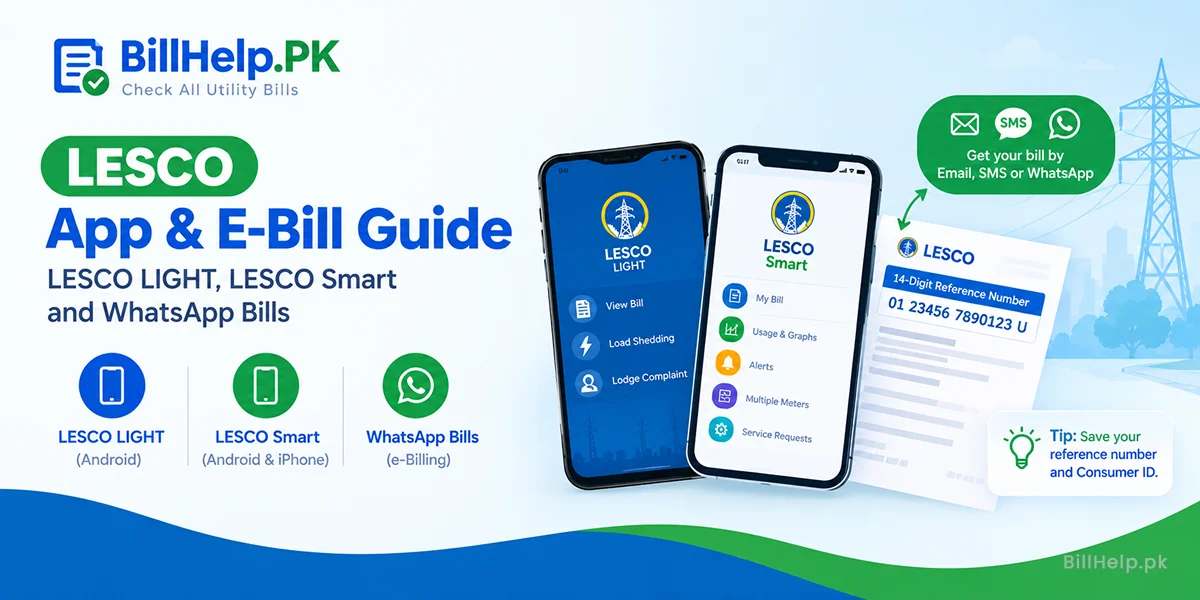
If you do not have your reference number memorized, you can instantly find it by checking any old physical bill from a past month. The identifier is placed in prominent areas on the top-left section of the page layout. Look for a box labeled REFERENCE NO.
The 14-Digit Reference Number
This is the most accurate database key. It contains information about your specific batch number, sub-division code, category (domestic/commercial) and a unique serial link.
The 7-Digit Customer ID
A shorter, alternative key assigned to your connection record inside the computerization system. It is generally listed right next to or beneath the reference number block.
2. How to Get Your Duplicate Bill: A Step-by-Step Guide
Follow the same steps to pull a true copy directly from the web data core:
- Open a web browseron your mobile, desktop or laptop.
- Go straight to the billing pageVisit official lesco billing website or lesco bill checking system at BillHelp.pk
- Go to the "Check LESCO Bill" formand enter either Reference Number or Customer ID.
- Please type the number digits carefully.No spaces, hyphens or additional symbols. BillHelp.pk detects if provided number is a reference number or customer ID and gets you the live bill information.
- Click on the "Check Bill" buttonYou will see quick bill information including bill amount, due date, amount after due date etc. and a button to open "Full Bill".
- Print or Download Full BillClick on "View Full Bill" button to open full printable bill. Here you can print latest copy of your lesco bill or download it. To download bill, click on "Print" icon, and choose "Save as PDF" and hit "Save" button.
Troubleshooting Tip
If the screen returns a "Record Not Found" or database error, check your first two digits (sub-division code). A typo here redirects your query to the wrong circle registry.
3. Printing and Saving Your Bill as an Official PDF
Once you check quick bill information and open full bill page, you can print or download duplicate copy of your latest lesco bill. Follow these steps to download or print it:
On a Computer (Windows/Mac)
Press the keyboard shortcut Ctrl + P (or Cmd + P on Mac). To get a digital copy, click "Save as PDF" in the destination drop-down menu or select your attached printer to get a hard copy.
On a Smartphone (Android/iOS)
Tap the three dots menu button in Chrome or the Share button in Safari. Select "Print", scale the page to fit regular A4 paper size and save it directly to your cloud storage or local download directory.
Accepted Payment Methods & Processing
| Acceptable Payment Methods | Processing Time | Proof Required |
|---|---|---|
| Commercial Bank Counters (NBP, ABL, HBL, MCB) | Same-day clearing | Stamped lower counterfoil slip |
| Digital Wallets (EasyPaisa, JazzCash and Nayapay) | Instant (Real-time updates) | Digital transaction receipt ID |
| Internet Banking Apps (M-Banking channels) | 1–12 Hours delay | Success screen confirmation screenshot |