Looking for your GEPCO duplicate bill? Enter the 14-digit reference number from any old Gujranwala Electric Power Company bill in the box above to see your latest bill. You can download it as a PDF or print it for payment, free and with no login. Below you'll find where the reference number is printed, which cities GEPCO serves, how to read and pay the bill, and how to fix the most common problems.
How to Check Your GEPCO Bill Online (Step by Step)
- Take any old GEPCO bill. A paper copy or a clear photo is enough.
- Find the reference number. It is printed near the top of the bill under Reference No and has 14 digits.
- Enter it in the box above. Type only the digits, with no spaces or dashes. GEPCO also asks consumers to enter the reference number exactly as it is printed on the latest bill, because some reference numbers have been revised.
- Press "Check Bill". Your latest GEPCO bill opens with the billing month, units, amount payable and due date.
- Check, then save. Confirm the name and address are yours, then download the PDF or print the bill.
The same bill is also available from official sources: the PITC web bill portal at bill.pitc.com.pk/gepcobill (search by Reference No or Customer ID) and the duplicate bill page on gepco.com.pk. The PITC form has a small U/R selector; choose the letter printed after your reference number.
Roman Urdu: GEPCO bill dekhne ke liye purane bill se 14 hindson ka reference number upar box mein likhein aur "Check Bill" dabayein. Bill PDF mein download ya print bhi ho jata hai.
Where to Find Your GEPCO Reference Number
Your reference number belongs to your connection and does not change from month to month, so any previous bill works. Look in the upper part of the bill, near your name and address, for the field labelled Reference No.
| Number on the bill | What it means | Can you check the bill with it? |
|---|---|---|
| Reference No (14 digits) | Unique number of your electricity connection | Yes, use it in the box above |
| Customer ID | Second account number printed on newer bills | Yes, through the Customer ID option on the PITC portal |
| Meter No | Serial number of the meter installed at your premises | No, but keep it handy for complaints |
| CNIC | Your national identity card number | No, GEPCO bills cannot be searched by CNIC online |
Lost every bill? Ask your landlord or a neighbour on the same property for a copy, check old payment receipts in your banking or wallet app (they usually show the reference number), or visit your GEPCO sub-division office with your address and meter number.
GEPCO Cities and Districts Served
GEPCO was set up on the network of the former Gujranwala Area Electricity Board. It supplies electricity to six districts of north-eastern Punjab. If your connection is in any of the areas below, your bill is issued by GEPCO.
| District | Main cities and towns |
|---|---|
| Gujranwala (and Wazirabad) | Gujranwala city, Kamoke, Nowshera Virkan, Wazirabad |
| Sialkot | Sialkot city, Daska, Sambrial, Pasrur |
| Gujrat | Gujrat city, Kharian, Lalamusa, Sarai Alamgir |
| Narowal | Narowal city, Shakargarh, Zafarwal |
| Hafizabad | Hafizabad city, Pindi Bhattian |
| Mandi Bahauddin | Mandi Bahauddin city, Phalia, Malakwal |
Living close to the GEPCO boundary? Lahore and Sheikhupura are served by LESCO, Jhelum and Rawalpindi by IESCO, and Sargodha and Chiniot by FESCO. Mirpur and Bhimber in Azad Kashmir have their own AJK electricity bill. Always use the checker for the company name printed on your bill.
How to Check If Your GEPCO Bill Is Paid
- Payment status tool: open Check Bill Paid or Not, choose GEPCO and enter your reference number.
- Next bill: your next bill's history section shows your last payment, and any unpaid amount appears as arrears.
- Receipt: keep the transaction ID or screenshot from your bank, JazzCash or Easypaisa app as proof.
Online payments can take some time to update in the billing system. Wait before paying again, and contact GEPCO with your receipt if the payment is still missing on your next bill.
How to Read Your GEPCO Bill
Connection details
The top of the bill shows your name and address, reference number, customer ID, tariff category, sanctioned load and meter number. A wrong tariff or load affects every month's bill, so check these first.
Readings and units consumed
Units consumed are the current reading minus the previous reading. Compare the current reading with the number on your meter. If it is higher than your meter shows, you may have been billed on an incorrect reading.
Protected and unprotected consumers
Under NEPRA's residential tariff, a non-time-of-use residential consumer who has used 200 units or less in every one of the past six months is protected and pays lower rates. One month above 200 units, which is common in summer with an air conditioner, can remove protected status for the following months. Keeping an eye on your units near the end of the month helps.
FPA and adjustments
The Fuel Price Adjustment (FPA) is a per-unit charge or credit approved by NEPRA for the difference in fuel cost of an earlier month. That is why a GEPCO bill can rise even when you used the same units. Quarterly adjustments may appear as a separate line.
Taxes and duties
GST, electricity duty and, for some consumers, income tax are added according to government rules. These are collected through the bill but are not GEPCO charges.
Due date and late payment surcharge
The bill prints the amount payable within due date and a higher amount payable after due date. The difference is the late payment surcharge. According to NEPRA's Consumer Service Manual, paying within the due date avoids it. No surcharge applies when the due date is officially extended. Cheques and pay orders should be deposited at least three days before the due date.
Amended bills
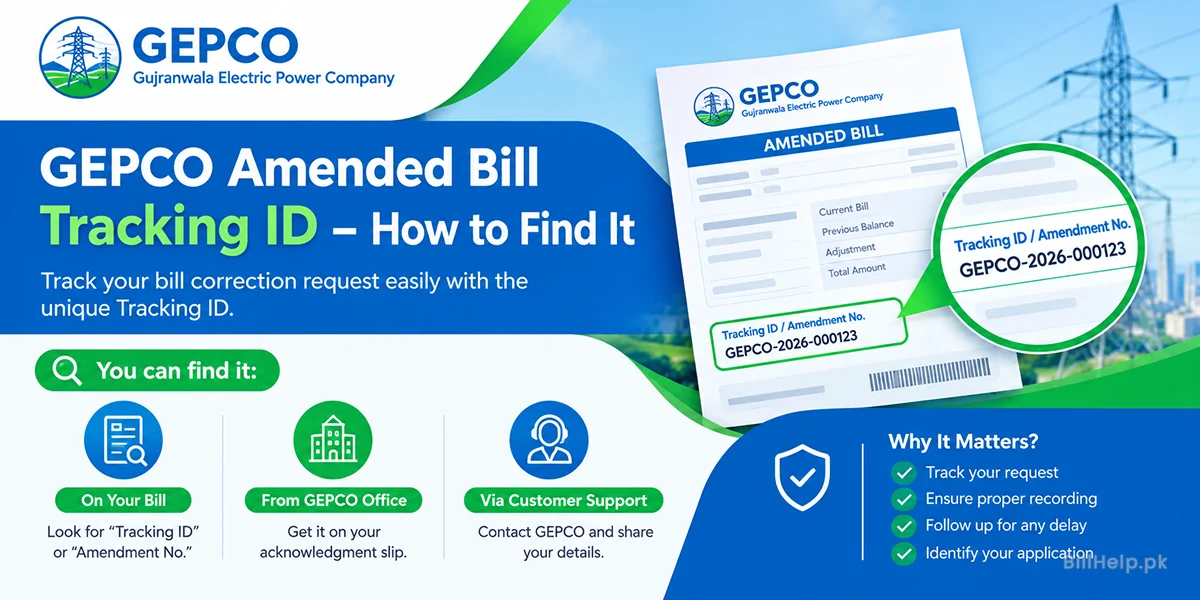
If GEPCO corrects your bill after a complaint, you receive an amended bill with a tracking ID. Our guide to the GEPCO amended bill tracking ID explains where to find it and how to use it.
How to Pay Your GEPCO Bill
GEPCO states that all branches of all commercial banks are authorised to collect electricity bills. You can also pay from home with your reference number:
- Banking apps and internet banking: Bill Payment → Electricity → GEPCO.
- JazzCash and Easypaisa: in the app or at any retailer.
- ATMs that support utility bill payment.
- Bank branches with the printed duplicate bill from this page.
If you can't pay the full bill, ask GEPCO about installments. Under NEPRA's rules, no late payment surcharge or markup applies to the first installment if it is paid within the due date. The remaining installments carry markup. See how to pay electricity bills online in Pakistan for step-by-step payment guides.
New Connection and Name Change
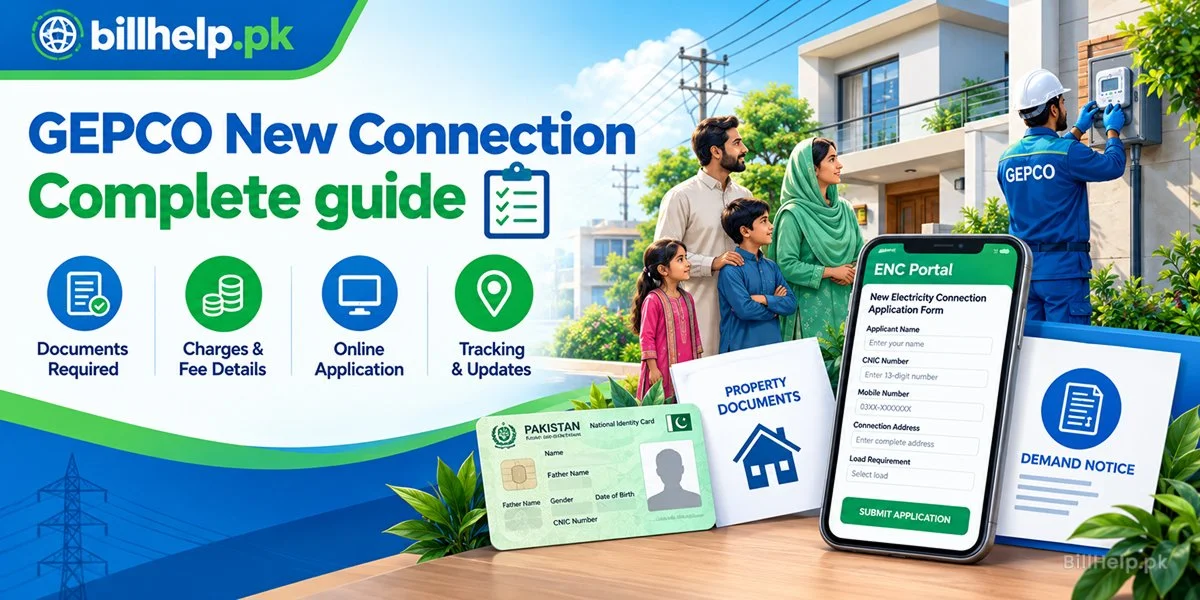
To apply for a new GEPCO connection, or to change the name, load or tariff on an existing one, use the online Electricity New Connection (ENC) portal at enc.com.pk or visit your GEPCO sub-division office. You will normally need your CNIC, proof of ownership or tenancy of the property and the documents listed on the application. Our GEPCO new connection guide covers documents, the demand notice, charges and how to track your application.
GEPCO Helpline and Complaint Channels
| Channel | Details | Use it for |
|---|---|---|
| Helpline (24 hours) | 118 | Power outages, faults and all electricity complaints |
| SMS | 8118 | Sending a complaint by text message |
| Online complaint (CCMS) | ccms.pitc.com.pk | Billing and supply complaints with a trackable complaint number |
| Official website | gepco.com.pk | Duplicate bill, notices and company information |
| NEPRA | NEPRA Complaint Management System | Escalation if GEPCO does not resolve your complaint |
GEPCO's own website asks consumers to call 118 any time of day or send an SMS to 8118 for all electricity complaints. Keep your reference number, billing month and a meter photo ready, and note your complaint number. Helplines for other companies are listed in our Electricity Help Center.
Common GEPCO Bill Problems and Fixes
| Problem | What to do |
|---|---|
| "Invalid" or wrong reference number | Enter exactly 14 digits with no spaces. Use the number from your latest bill, as some GEPCO reference numbers have been revised. Make sure you are on the GEPCO checker, not another company's. |
| This month's bill not showing | Bills appear online after they are generated for your area. Try again in a day or two. |
| Bill opens with someone else's name | One digit is wrong. Re-type the number carefully from the bill. |
| Bill much higher than usual | Compare readings and units, check if you crossed 200 units or if FPA or arrears were added, then file a complaint with a meter photo before the due date. |
| Paid but still unpaid | Allow time for the payment to post. If it is still missing, contact GEPCO with your receipt. |
| PDF won't download | Use your browser's Print option and choose "Save as PDF", or try another browser. |
For more causes of the "bill not found" error, read Bill Not Found or Invalid Reference Number.
Check Other Bills in Gujranwala Division
Many GEPCO households also pay a gas bill to SNGPL and a PTCL landline or broadband bill. You can check them on BillHelp.pk too, and save your reference numbers to open every bill with one tap next month.