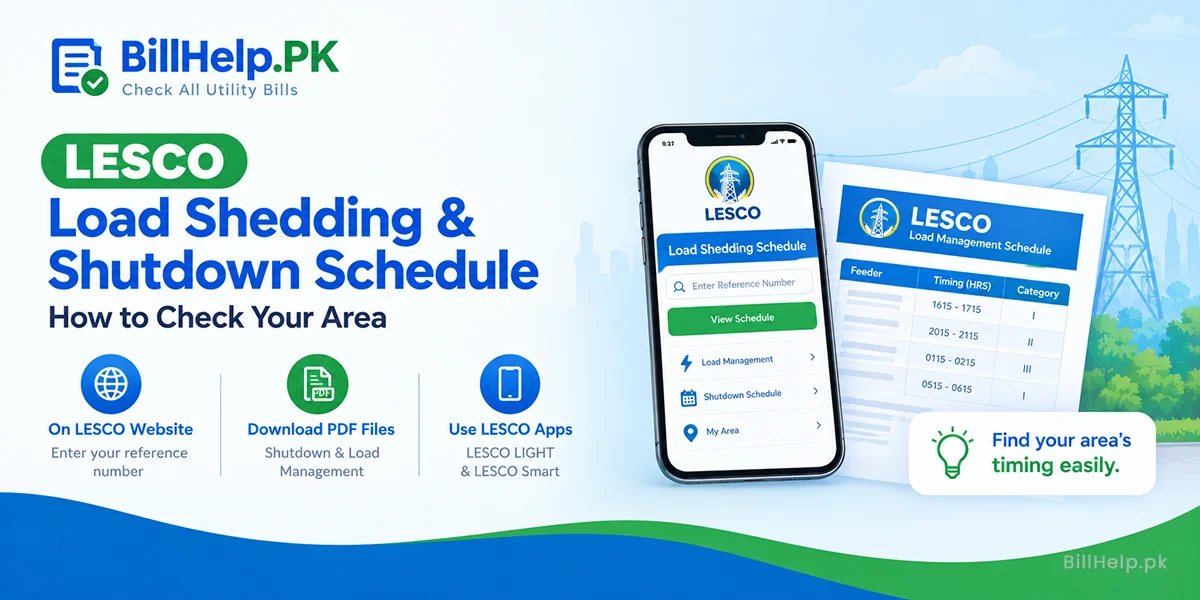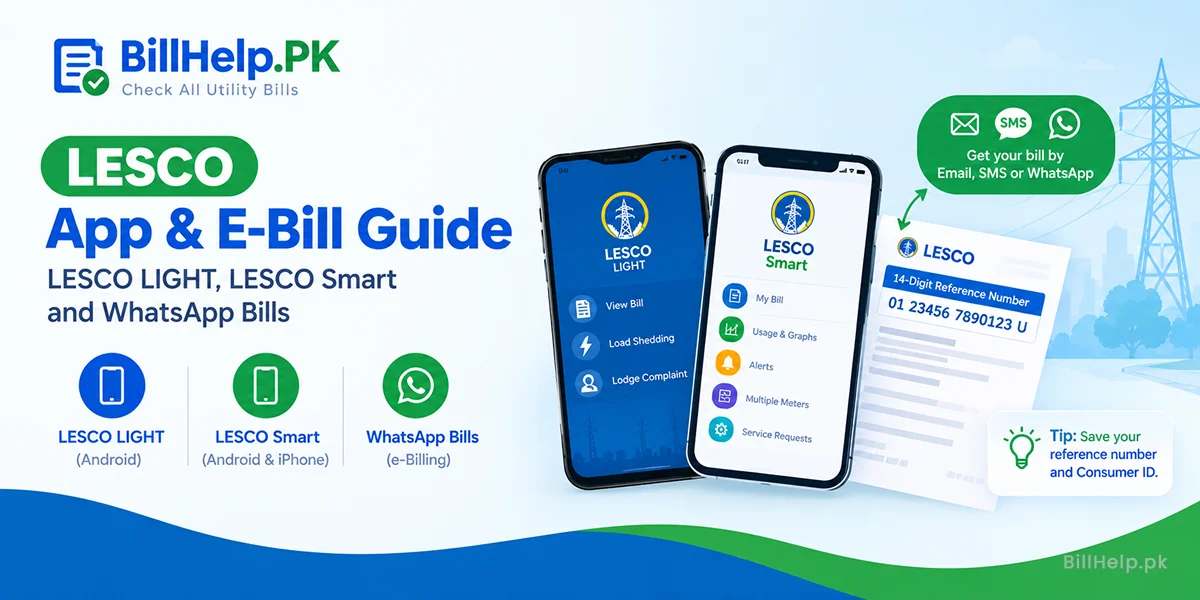
Paper bills get lost. Bill distributors come late. So LESCO now has two official apps and an online form to get your bill by email, SMS or WhatsApp. But which one should you use? Here they are side by side.
LESCO LIGHT vs LESCO Smart at a glance
| Feature | LESCO LIGHT | LESCO Smart |
|---|---|---|
| Published by | PITC | PITC |
| Where to get it | Google Play (Android) | Google Play and the App Store (iPhone) |
| Bill details | Yes | Monthly bill with paid or unpaid status |
| Load shedding info | Load management schedule | Scheduled and planned load shedding updates |
| Complaints | Lodge and track | Not listed in the store description |
| Daily use and voltage graphs | Not listed | Daily and monthly load, voltage and current |
| Usage alerts | Not listed | Set a limit and get notified |
| More than one meter | Not listed | Yes, link several meters |
| Service requests | Not listed | New connection, opt for smart meter and more |
Based on the official store descriptions on Google Play and the App Store, checked 11 October 2026. "Not listed" means the store page does not mention it.
Pick LESCO LIGHT if…
- you want your bill and schedule quickly;
- you need to lodge or follow up a complaint;
- you use an Android phone.
Pick LESCO Smart if…
- you want to watch daily use and set alerts;
- you look after more than one meter;
- you plan to request a new connection or a smart meter.
How do I get my bill by email, SMS or WhatsApp?
LESCO has an online Subscribe for E-Billing form on its website. Here is how it works:
- Open the LESCO e-billing page.
- Enter your 14-digit reference number and your Consumer ID.
- Type the captcha code and continue.
- Check what LESCO already has on record: name, email, SMS number and WhatsApp numbers.
- Add or update your email, mobile number for SMS, and a primary and secondary WhatsApp number.
- Tick the box that says you agree to get your bill through electronic media, type the captcha again, and submit.
Are the apps reliable?
Be ready for some bugs. At the time of writing, LESCO Smart had a 1.7 rating on Google Play and 1.3 on the App Store. Reviewers mention crashes, log-outs and e-bill PDFs that do not send. So keep a backup:
- Check or print your latest bill on billhelp.pk.
- Confirm a payment on our bill paid or not page.
- Pay through your bank app or wallet. See how to pay electricity bills online.
Staying safe
Search the store for the app name and check that the developer is PITC (Power Information Technology Company). Skip look-alike apps and APK files from websites. If your bill will not load anywhere, our guide on bill not found or invalid reference number lists the usual reasons.
People also ask
Is there an official LESCO app?
Yes, two. LESCO LIGHT and LESCO Smart are both published by PITC (Power Information Technology Company) for LESCO customers. Download them only from Google Play or the App Store.
Can I get my LESCO bill on WhatsApp?
You can register for it. LESCO's e-billing form asks for a primary and a secondary WhatsApp number, plus email and SMS. LESCO says registration has started and customers will start receiving e-bills after some time.
What do I need to register for a LESCO e-bill?
Your 14-digit reference number and your Consumer ID from the bill, and the email or mobile numbers where you want the bill.
Which app shows load shedding timings?
LESCO LIGHT shows load management schedule information. The LESCO Smart app on iPhone also gives updates on scheduled and planned load shedding.
Sources: LESCO "Subscribe for E-Billing" page (lesco.gov.pk); LESCO LIGHT and LESCO Smart on Google Play; LESCO Smart on the Apple App Store. Checked 11 October 2026.