It happens to everyone: your physical bill arrives late, gets misplaced, or you simply don't have access to your old statements when you need to make an urgent utility check. While standard checking systems demand a 14-digit reference number, there are fallback methods available. The quickest route is our MEPCO bill check page, which also takes a customer ID.
If you are a resident of Multan, Bahawalpur, D.G. Khan, or any surrounding district powered by the Multan Electric Power Company (MEPCO), this deep-dive guide explores all legitimate backup methods to safely view your energy dues without relying on a reference number string.
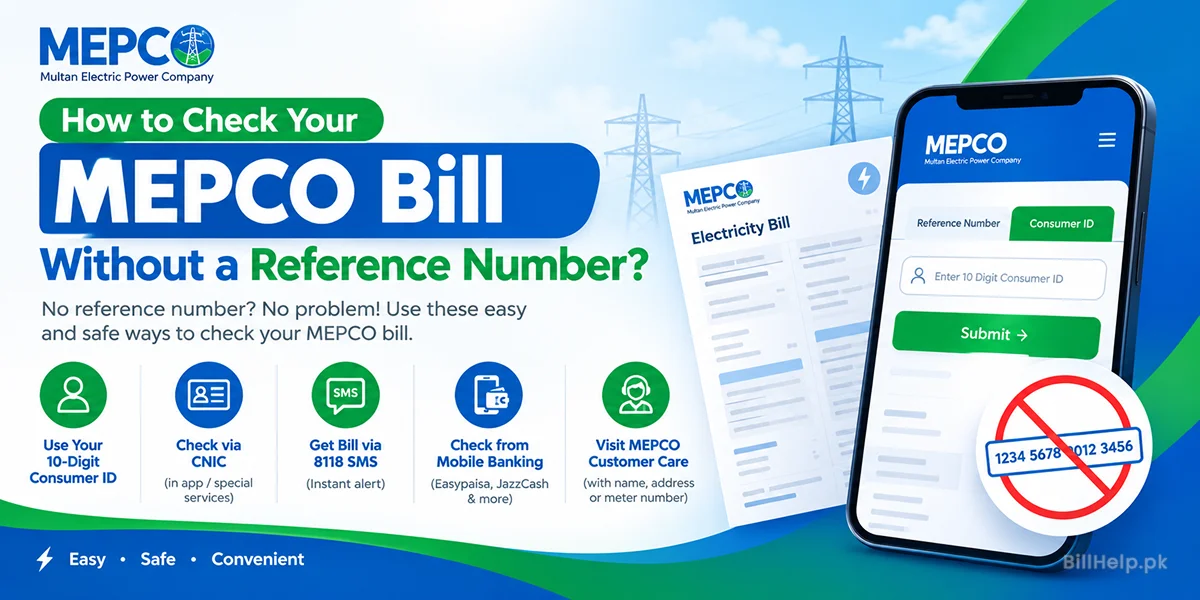
Method 1: Check Your Bill with Your Customer ID
Lost your reference number? Your Customer ID can also open your bill. It is a short number printed near the reference number on any old bill.
How to use it:
- Open the official PITC bill page: bill.pitc.com.pk/mepcobill.
- Choose the "Customer ID" option instead of "Reference No".
- Type your Customer ID and search. Your latest bill will open.
Our own MEPCO bill checker works with the 14-digit reference number.
Method 2: Can You Check a MEPCO Bill by CNIC?
Many people search for a bill by CNIC. But the official bill page does not search by CNIC. It only takes a reference number or a Customer ID.
Your CNIC is still useful. MEPCO has a CNIC registration page on its website. Take your CNIC to the subdivision office too. Staff can use it, with your address, to find your connection.
Method 3: Call the 118 Helpline
No internet? Call 118. This is the PITC contact centre for electricity customers.
- Dial 118 from your phone.
- Give your name, full address and meter number.
- Ask for your reference number or bill details.
You may also see the number 8118 online. PITC lists 8118 as an SMS number for complaints. It is not listed as a bill check service.
Method 4: Extracting Credentials from Mobile Banking History
If you have paid your electricity bills digitally at least once in the past, your bank account dashboard serves as a secure backup ledger. Commercial applications and microfinance platforms automatically preserve customer data for convenience.
Easypaisa / JazzCash Ledger
Open your application wallet history, click on the transaction filters, search for "MEPCO", and open any previous month's confirmation receipt to find your stored reference number.
Mobile Banking Apps
Review your customized "Bill Management" or "Favorites" lists inside platforms like HBL, Meezan Bank, or Bank Alfalah to pull up saved meter strings instantly.
Method 5: Visiting Your Local MEPCO Customer Care Office
When all self-service options fall short, you can recover your consumer information by contacting customer care agents directly.
Locate your nearest sub-divisional administrative office or utility hub. By presenting the full name of the property owner, the physical address, or your meter's serial number, a support official can lookup the core tracking database and print a duplicate copy for you immediately.