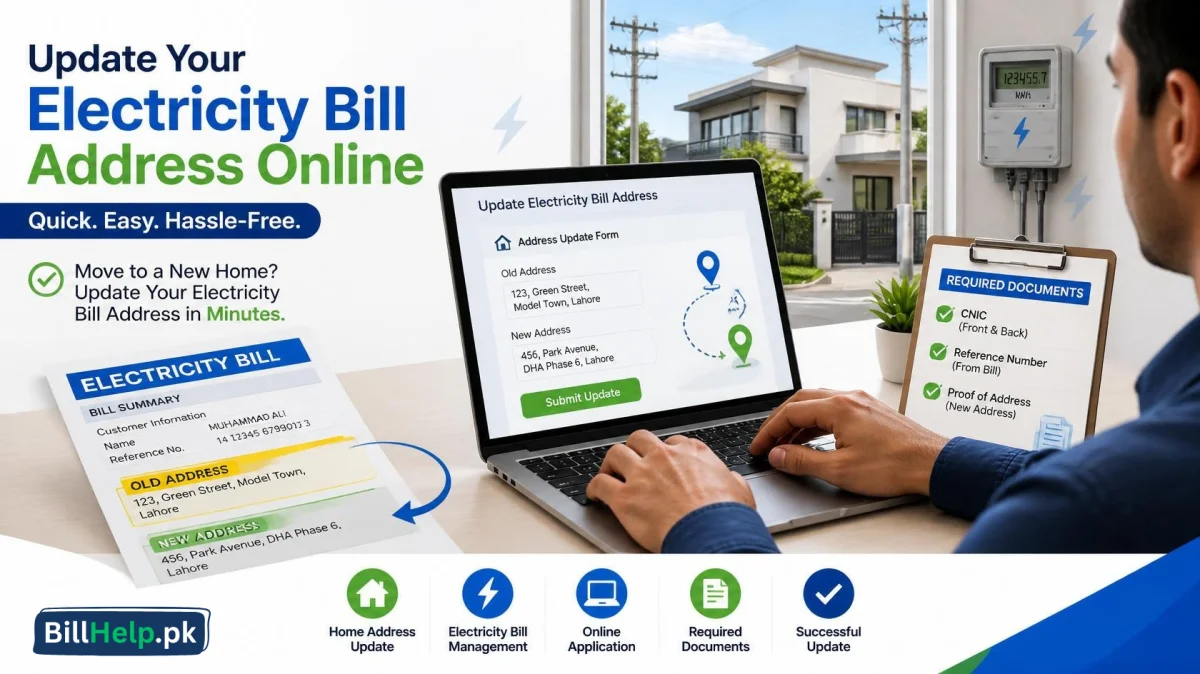
If you’ve recently moved into a new home or there’s a problem with the address on your electricity bill then changing the bill address may be the best course of action. You must keep the right address on your MEPCO electricity bill to make sure that you receive your bills as well as all other relevant notices at the right place. Here is a quick guide to change MEPCO bill addresses online.
Can I Change My MEPCO Bill Address Online?
Yes. MEPCO allows the submission of change requests by consumers regarding their electricity connection through the official Electricity New Connection (ENC) Portal, where some of the requests may require document verification and a physical visit to the MEPCO office.
MEPCO Bill Address Change Application Procedure
Follow these easy steps:
- Visit the official Electricity New Connection (ENC) Portal.
- Select Change or Modify.
- Please provide all the required details regarding your electricity connection such as your Reference Number/Customer ID.
- Please make sure that you provide the correct address.
- Give the needed papers.
- Submit the application and Remember the reference number for future purposes.
- MEPCO will process your application subject to the correctness of information provided by you.
Documents You Might Need
Depending on your request, MEPCO can ask for:
- A copy of your CNIC (valid).
- A recent MEPCO electricity bill.
- Proof of new address if required.
- Any other required documents for verification.
The right documentation will make sure your application is processed correctly.
Why is it important to change your address?
Why Update Your Address:
- Get your electricity bills at the right address.
- MEPCO will never send you any important notification.
- Keep up with consumer details.
- Reducing the chances of having issues with your bills.
Updating your bill address with MEPCO is a pretty simple process that will help you ensure that your electricity bills and important notifications reach the right address. And if any further proof is required then MEPCO will ask you to visit their customer service center. It can be done through the official website.