Regional Operational Circles & Coverage Areas of SNGPL
SNGPL supplies gas to major urban centers, agricultural towns and industrial areas of Punjab and KPK. If your gas meter is located in any of the following operational circles, your monthly gas bill is issued by SNGPL:
Key Regional Circles in Punjab & KPK
Below is a circle-wise breakdown of SNGPL gas service areas:
Lahore Region
Lahore City, Kasur, Sheikhupura, Nankana Sahib, Pattoki.
Rawalpindi & Islamabad
Islamabad Capital Territory, Rawalpindi, Attock, Jhelum, Chakwal.
Faisalabad Region
Faisalabad City, Jhang, Toba Tek Singh, Chiniot.
Multan Region
Multan City, Khanewal, Vehari, Lodhran.
Peshawar Region
Peshawar, Charsadda, Mardan, Nowshera, Swabi, Kohat.
Gujranwala Region
Gujranwala, Sialkot, Gujarat, Hafizabad, Narowal.
Sub-Division Offices & Domestic Supply Zones
Each regional circle is further divided into local sub-divisions to manage meter readings, line extensions, leakage repairs and local consumer billing complaints.
Find Your Consumer Number & Account ID
To verify your SNGPL bill online or thru mobile money apps you need a special identifier on your paper bill. SNGPL uses two types of identification numbers:
SNGPL Account Identification Formats Explained
11 Digit Account Number of Consumer
This is the main identifier used on the SNGPL e-billing portal. It’s an 11-digit number printed at the top center of your petrol bill under “Account ID” or “Consumer No.” Example: 45678901234.
Customer ID / Meter Number
Your Customer ID is a unique code tied to your physical gas meter connection. It remains unchanged even if meter equipment is replaced during maintenance.
Quick Tip for Identifying Account Details
Check the top-right box of your physical bill labeled "Account ID". Always enter this 11-digit number without hyphens or spaces when performing an online search.
How to Check and Download SNGPL Duplicate Bill – Step-by-Step Guide
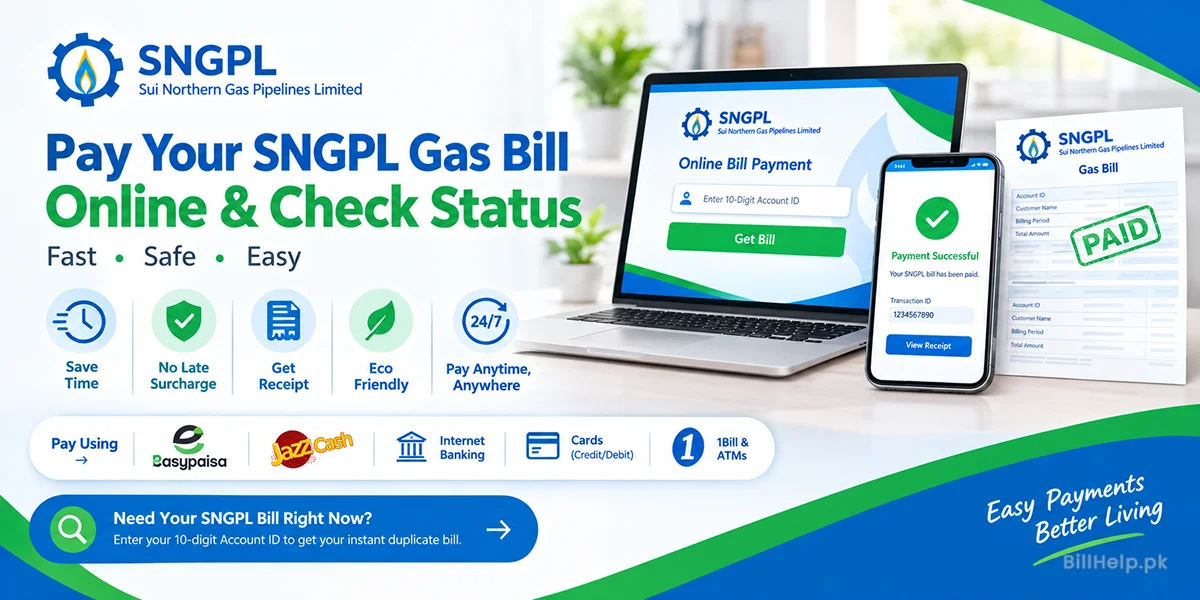
Get your monthly SNGPL bill online for free, easily and quickly. Here are the simple steps to get your web bill:
5 Simple Ways to Get Your E-Bill Online
Step 1: Find Account ID
You may find your 11 digit SNGPL Account ID on any of your previous gas bills.
Step 2: Go To Portal
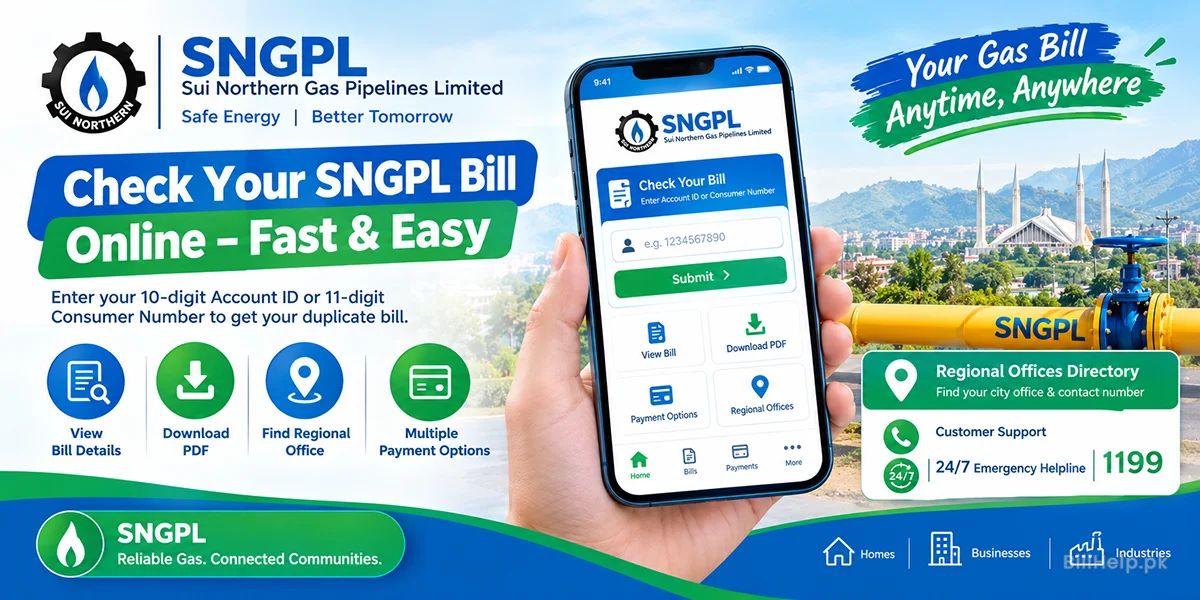
Open your web browser and navigate to the official SNGPL Duplicate Bill portal.
Step 3: Give Details
Please type your 11-digit Account Number in the input field.
Step 4: Click Search
Click “Submit” or “Search Bill”. The system will retrieve your last monthly statement record.
Step 5: See & Download PDF
Check your total payable amount, due date and units consumed. Click Print or Save as PDF for a duplicate copy.
Printing Official PDF Duplicate Bills
The downloaded PDF is an official original duplicate bill. It is accepted at all commercial bank branches, post offices and digital collection points.
Check SNGPL Gas Bills Through Alternative Digital Channels
SNGPL is offering consumers with multiple convenient digital platforms to check their monthly bill status anywhere and anytime:
Channel A: Official website of SNGPL
The portal provides complete billing information like gas pressure,date of meter reading, billing history and tax details.
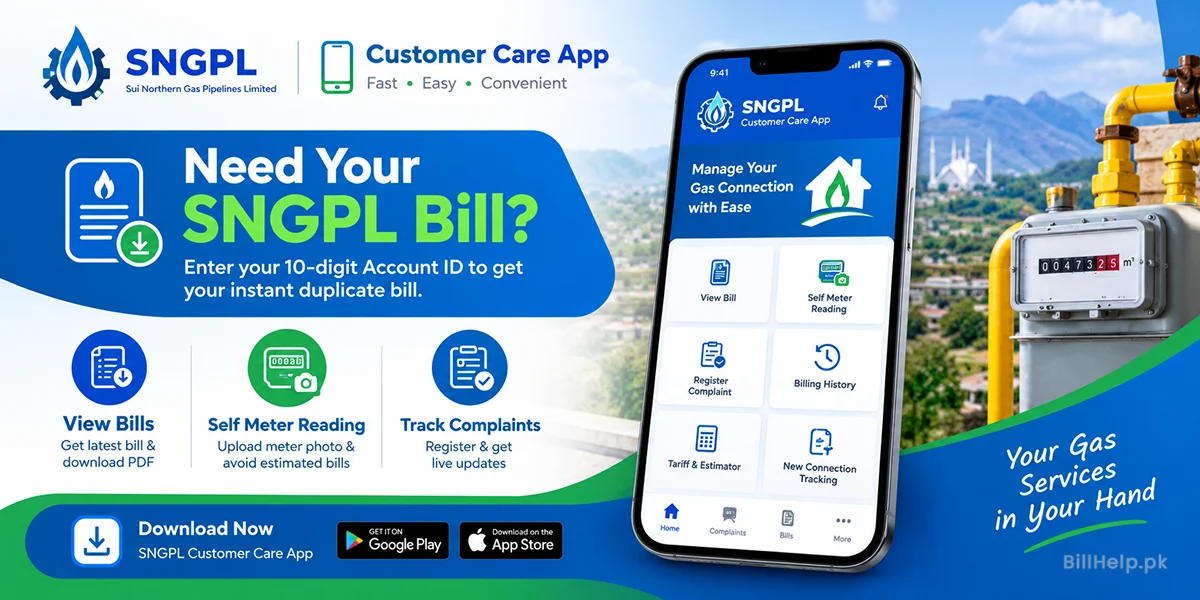
Channel B: SNGPL Mobile App (SNGPL Connect)
Download SNGPL Connect App from Google Play Store / Apple Store. Register your Account ID to view your bill, track your petrol consumption graphs and file complaints directly.
Channel C: Mobile Banking & E-Wallets
You can check and instantly pay your petrol bill thru EasyPaisa, JazzCash, SadaPay, NayaPay or mobile banking apps (HBL, Meezan, Allied Bank, UBL, Bank Alfalah):
Mobile App Inquiry Steps:
- Choose any of your preferred mobile banking app or e-wallet.
- Click on Bill Payment and select Gas.
- Choose SNGPL from the service providers list.
- Enter your consumer ID of 11-digit.
- Now in front of you is your current bill and due date on the screen.
Channel D: Registration For SMS Alert
Receive automated monthly SMS alerts with your bill total, due date and payment confirmation by registering your mobile number with SNGPL.
Taxes, Surcharges and Tariffs of SNGPL Bills
The monthly gas bill of SNGPL is comprised of gas usage charges, tax levies on gas, meter rental charges and regulatory tariffs approved by OGRA (Oil and Gas Regulatory Authority).Breakdown of Common Line Items on Gas Bills
| Charge Name | Short Name | Description and Objective |
|---|---|---|
| Gas Consumption Charges | Fees Gas Cost | The cost of actual natural gas volume consumed, measured in Hm3 (Hundreds of Cubic Meters) or MMBTU. |
| General Sales Tax | GST | A federal sales tax levied as a percentage of the total gas consumption charge. |
| Meter Rent | Meter Fee | A fixed monthly rental charge for maintaining the gas meter equipment installed at your premise. |
| GIDC Surcharge | GIDC | Gas Infrastructure Development C surcharge levied on commercial and industrial connections under federal law. |
| Late Payment Surcharge | LPS | An additional fee added if the bill is paid after the specified due date. |
| Minimum Charges | Min Charge | minimum monthly fee – levied if petrol consumption does not reach the threshold slab. |
Understanding Gas Tariffs (OGRA Tariffs)
OGRA has classified domestic consumers into progressive consumption categories. Lower consumption slabs get petrol at subsidized rates, whereas higher consumption slabs pay higher rates per unit. Managing your monthly petrol usage keeps your bill in a lower price slab.
Important SNGPL Online Bill Keywords & Search Queries
Petrol bill services are searched for by users for specific keywords online. Here is a summary of important terms:
Popular Search Keywords Explained
Why Consumers Care About These Keywords
You can search using exact keywords like “SNGPL duplicate bill PDF download” or “Sui gas bill check by consumer number”. This way, you can quickly reach official portals of the utility and avoid unofficial third-party websites.
Practical Tips to help You save your Monthly SNGPL Gas Bill
Gas charges are usually high in winter, when demand for gas increases. Go through these energy saving tips and reduce your gas consumption to an optimum level.
Use Solar Water Heaters
Replace or supplement gas geysers with solar water heaters. Traditional geysers consume massive amounts of gas during winter.
Use Geyser Timer Switches
Install the timer on gas geysers that make sure to turn it on when the heating is required like mostly in morning and evening.
Use Energy efficient Gas Heaters and Stoves
Buy new energy efficient gas heaters and stoves with pilot less auto ignition burners.
Fix Pipeline & Valve Leaks Promptly
Check gas pipe lines for any gas leakage. Small gas leaks may be harmful and can also lead to wastage of gas.