SSGC Regional Coverage and Operational Area
SSGC is responsible for gas distribution in two major provinces of Pakistan – Sindh and Balochistan. SSGC issues your monthly gas bill if your gas meter is located in any one of these territories.
Operational Circles Detailed Breakdown
1. Karachi Division (Metropolitan Region)
Includes Karachi East, West, Central, South, Malir, Korangi, Keamari, SITE Industrial Area, Landhi Industrial Zone and Korangi Creek.
2. Hyderabad & Interior Sindh Circle
Includes Hyderabad City, Latifabad, Qasimabad, Kotri, Jamshoro, Matiari, Tando Allahyar, Tando Muhammad Khan and Badin.
3. Upper Sindh Regional Circle
Covers Sukkur, Rohri, Larkana, Nawabshah (Shaheed Benazirabad), Khairpur Mirs, Mirpurkhas, Shikarpur, Jacobabad and Dadu.
4. Balochistan Regional Circle
Serves Quetta, Sibi, Pishin, Kalat, Mastung, Ziarat, Jaffarabad, Usta Muhammad and the Hub Industrial Estate.
Sub-Divisional Gas Distribution Networks
Each regional circle is divided into sub-divisions. These local offices manage meter inspections, fix line leakages, process new gas connections and resolve billing disputes for residents.
How to find your 10 digit SSGC Customer Number?
Enter your unique account code to view your SSGC bill online. SSGC prints two key account identifiers on physical paper bills:
Account ID formats
1. Customer number, 10 digits
This is the primary identifier to search for duplicate bills online. This is a 10 digit number printed inside a box in the top left hand corner of your paper bill and is labeled “Customer No” (e.g., 9876543210).
2. Meter Serial No.
Your paper bill will have a 'Meter No' printed on it, which is the same as the serial number on your physical petrol meter. It helps the SSGC meter readers to verify your connection during their physical visit.
Quickly Enter Your Customer Numbers
While entering your 10-digit Customer Number in online search forms, just enter the digits without spaces, dashes or alphabetic characters.
Step by Step Process to Check and Download SSGC Duplicate Bill
Checking your SSGC bill online is totally free and it will take less than a minute. Just follow these few simple steps:
5-Steps to online download your bill
Check any of your old SSGC bill and search for the 10-digit customer number.
Step 2: Visit the Official Web Portal
Open any of your browser on a phone or computer and search the official SSGC E-Billing portal.
Insert your 10-digit Customer Number in the empty field and Re-check for missing numbers.
Click the “Search Bill” or “Submit” button Your latest monthly bill details will be instantly visible on the portal.
Check your total bill amount, due date and units consumed. Official copies are available by clicking the “Print Duplicate Bill” or “Save as PDF” button.
Duplicate Bills Validity in Online PDF
The duplicate bill downloaded from the web portal in pdf is 100 % genuine. It is accepted for bill collection by commercial banks, post offices and digital wallet vendors.
SSGC Bills - Check & Pay Through Multiple Digital Channels
Consumers can view bills and pay online via a convenient online channel provided by SSGC:
Channel A: SSGC Official Website Source
On the official website you can find detailed billing records, a breakdown of taxes, a record of past payments and meter reading dates.
Channel B: SSGC Customer Mobile App Download
Download SSGC Customer App through the Apple app store or Google play store. Save your Customer Number and see monthly bills, track your gas usage and report leaks or low pressure.
Channel C: Mobile Banking Apps & E-Wallets
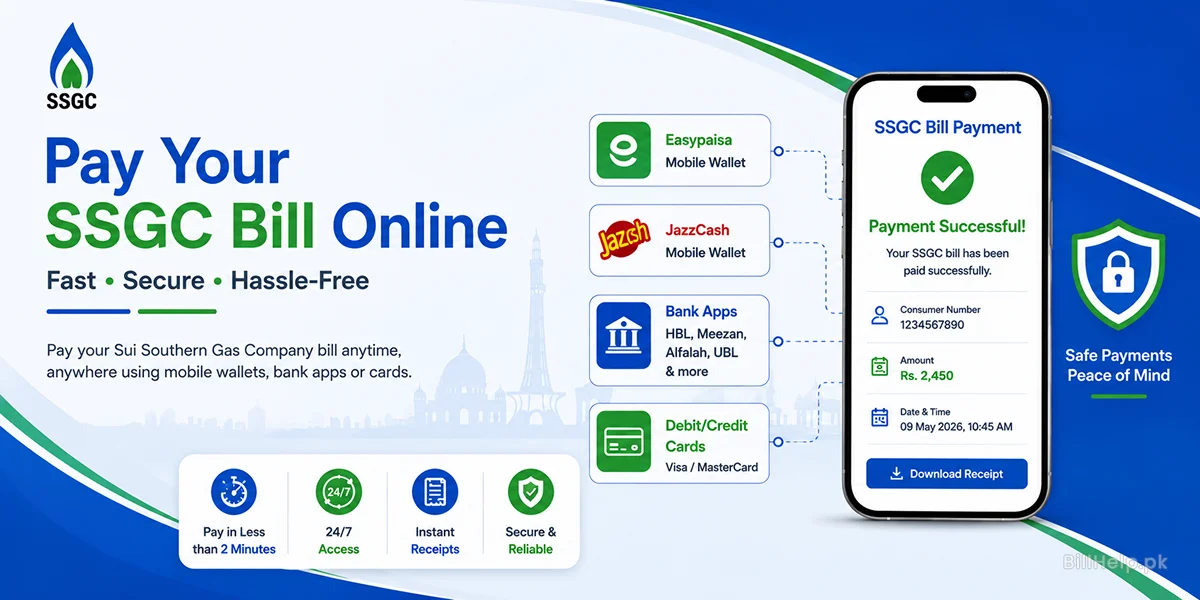
Paying your SSGC bill gets easy through Digital wallets & Banking Apps (EasyPaisa, JazzCash, SadaPay, Naypay, HBL Mobile, Meezan Bank, UBL, Bank Alfalah):
Process for the Payment through App:
- Log into your mobile banking or e-wallet app.
- Select Bill Payment and tap on Gas bills.
- Choose SSGC (Sui Southern Gas Company) from the list of services.
- Insert your (10 digit) Customer Number
- Check the bill owner’s name and amount to pay and tap Pay Now.
Channel D: SMS & Email Alert
Register your mobile phone number and email address on the SSGC portal to receive automated SMS alerts with your monthly bill total, due date and payment confirmation.
SSGC Meter Reading Math, Taxes and Tariffs
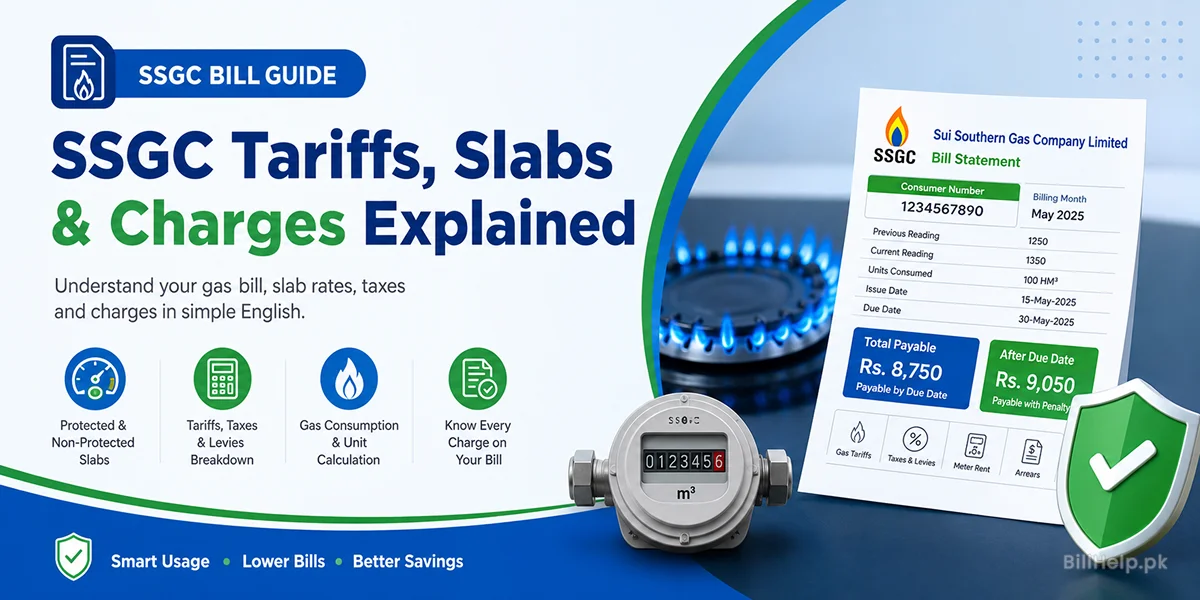
Your monthly SSGC gas bill shows your gas volume consumption converted into energy units ($MMBTU$), together with government taxes and regulatory fees.
Itemized Charges on Bill
| Bill Line Item | Code | Detailed Explanation |
|---|---|---|
| Gas Consumption Charge | Gas consumption Cost | Actual natural gas consumed cost = Energy Units ($MMBTU$) * OGRA Slab Rates |
| General Sales Tax | GST | A standard federal sales tax applied as a percentage of your base gas consumption charges. |
| Meter Rental Charge | Meter Fee | A nominal monthly fee charged for maintaining and servicing the physical gas meter equipment. |
| GIDC Surcharge | GIDC | Gas Infrastructure Development Cess applied to commercial and industrial gas connections under federal regulations. |
| Late Payment Surcharge | LPS | An extra surcharge added to the next billing cycle if the bill is paid after the due date. |
How Gas Volume is Converted (HM3 to MMBTU)
Gas meters measure volume in Hundreds of Cubic Meters ($HM^3$). Under OGRA regulations, SSGC converts this volume into energy units called Million British Thermal Units ($MMBTU$) based on the gas Gross Heating Value (GHV).
Mathematical Conversion Formula:
MMBTU = (Consumed HM3 × Gas Heating Value) ÷ 281.738
OGRA Progressive Gas Slab Rates
OGRA divides domestic users into progressive slabs. Lower consumption slabs are charged at subsidized rates and higher consumption slabs are charged at higher per-MMBTU rates. Keeping track of your monthly petrol use means you stay in a lower billing slab.
Important SSGC Search Terms & SEO Keywords
Consumers search online gas billing portals for certain keywords. Below is a list of target terms:
What are Target Keywords?
Why Search Terms Matter To Users
To avoid third-party websites and quickly access the official utility portals, you can use the exact keywords such as “SSGC duplicate bill PDF download” or “SSGC bill check by customer number” for your search.
How to Reduce Your Monthly SSGC Bill
The price of petrol goes up a lot in winter when there is a lot of demand for heating. Below are some tips to help you keep your petrol spend down:
5 ways to reduce petrol consumption and cut tariffs
1. Installation of Solar Water Heaters
Solar water heaters can be used to heat water during the day which will reduce the use of gas geysers in winter.
2. Attach Geyser Timers
Install automatic timer switches on gas geysers so they operate only during morning and evening bath hours.
3. Use Energy Efficient Stoves
Use high performance blue-flame burners and energy efficient gas stoves which burn fuel completely.
4. Repair Leaks In Pipes
Check for leaks in the gas pipe and valves in your home. Small repairs can save you lots of money and danger due to gas wastage and hazards it causes.