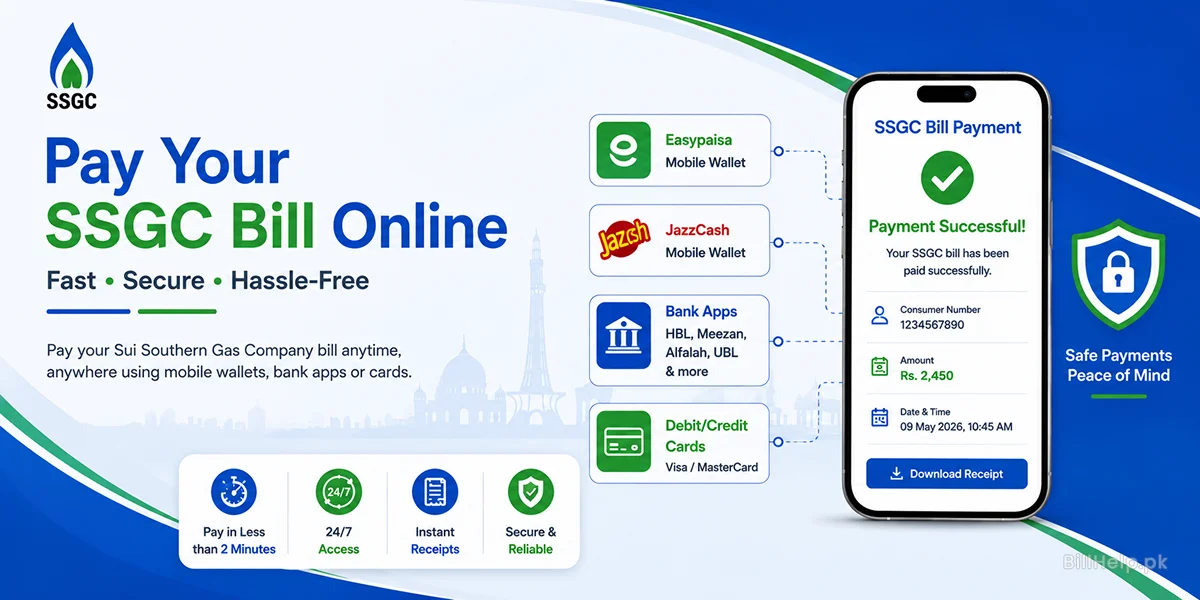
Pay the SSGC gas bill with the 10-digit consumer number. The app shows the name and both amounts before you confirm. Keep the receipt. The bill page can take until the next day to match it.
Before you open the app
The number
Ten digits, labelled Customer No. on the bill. No spaces and no letters.
The amount
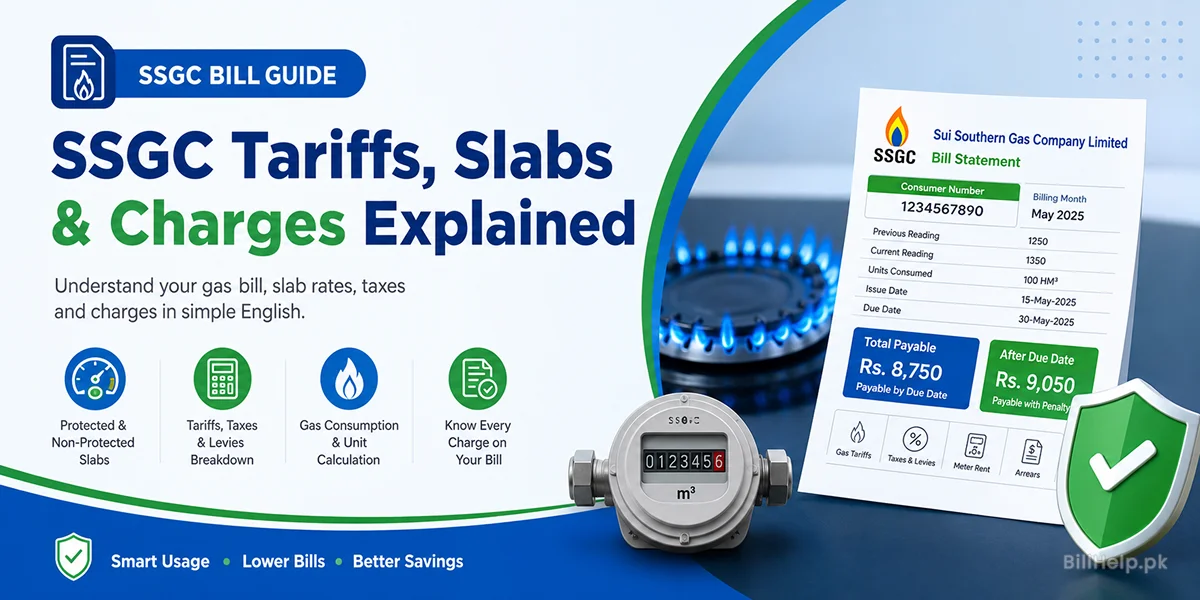
The front of the bill prints one figure before the due date and a higher figure after it. The app should show the same pair. What those lines are.
The name
It has to match the bill before you enter the OTP. A wrong number pays someone else’s gas.
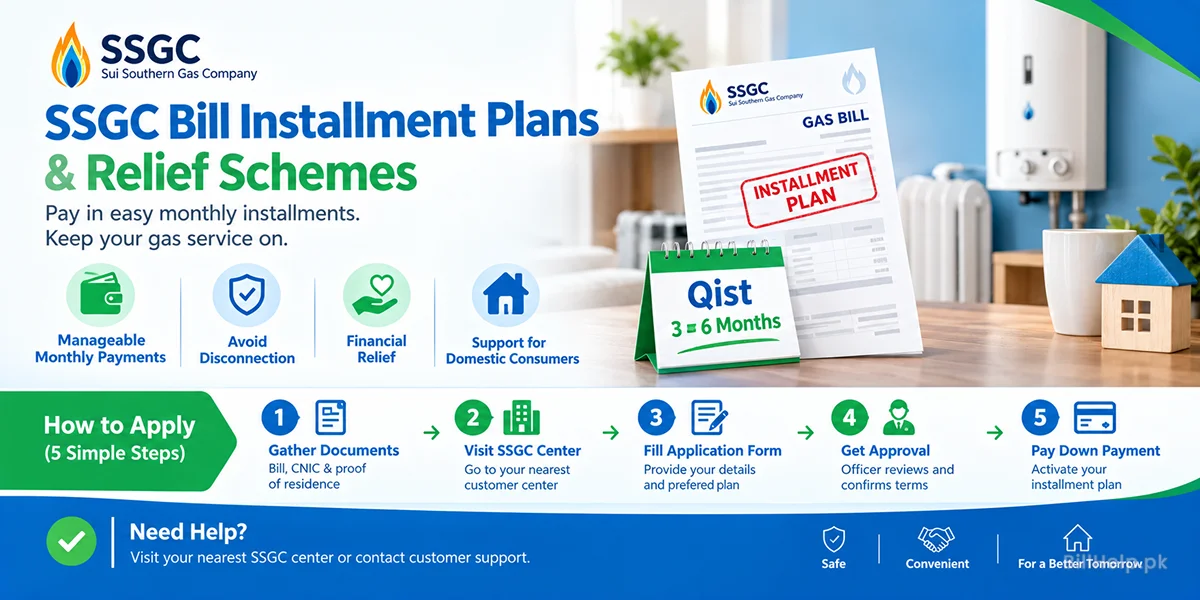
If the before-due amount is more than you can pay, an SSGC qist is applied in person. Paying late in the app is a different thing: the app will add the surcharge and still expect the full after-due total. Bill alerts email the next SSGC bill when it is issued.
Easypaisa or JazzCash
A wallet does not need a bank account. It does need the mobile number registered on that wallet, and the PIN or fingerprint.
A bank app
The same bill is in the mobile apps and internet banking of Meezan Bank, HBL, Bank Alfalah, UBL, Allied Bank, and Faysal Bank, and in other banks that list SSGC as a gas biller.
- Sign in with the bank’s own password or biometric. SSGC will not ask for that password.
- Open Payments, then Utility Bills or Bill Payment.
- Choose Gas, then SSGC. Saving it as a biller is fine once the name has matched once.
- Enter the 10-digit consumer number.
- Read the name and the amount. Confirm with the OTP from the bank. Keep the receipt.
A debit or credit card
Use a payment page that lists SSGC and supports Visa or Mastercard, including 3D Secure. Enter the consumer number first. The page should show the same name as the bill before it asks for the card number, expiry, and CVV. A gateway can add its own fee. That fee is on the payment page, not on the gas bill.
At a counter
NADRA e-Sahulat and post offices take the same 10-digit consumer number. Clearance can be the same day or the next day. The counter can charge a small service fee. This page does not print that fee. Take the stamped slip home with the wallet receipts.
| How you pay | What you get | What it can cost |
|---|---|---|
| Easypaisa or JazzCash | A receipt at once. The SSGC bill usually updates within 24 hours. | Often no extra charge. The app’s own terms can differ, and the screen shows that before you confirm. |
| Bank app | A receipt at once. The SSGC bill usually updates within 24 hours. | Usually none for an account holder. Confirm on the screen. |
| Debit or credit card | A receipt at once, after 3D Secure. | The gateway may add a processing fee. |
| e-Sahulat or a post office | A counter slip. Clearance the same day or the next day. | A small counter fee, set by that counter. |
Before you tap confirm
- The PIN and the OTP stay with you. An SSGC officer, a wallet, and a bank do not ask you to read those out.
- The name on the screen is the name on the bill. Amounts that do not match the duplicate bill are a reason to stop.
- Use your own connection. A café or airport Wi-Fi network is a poor place to open a bank app.
Frequently asked questions
Official sources to check:SSGC official website