KWSB Water Bill Digital Payment
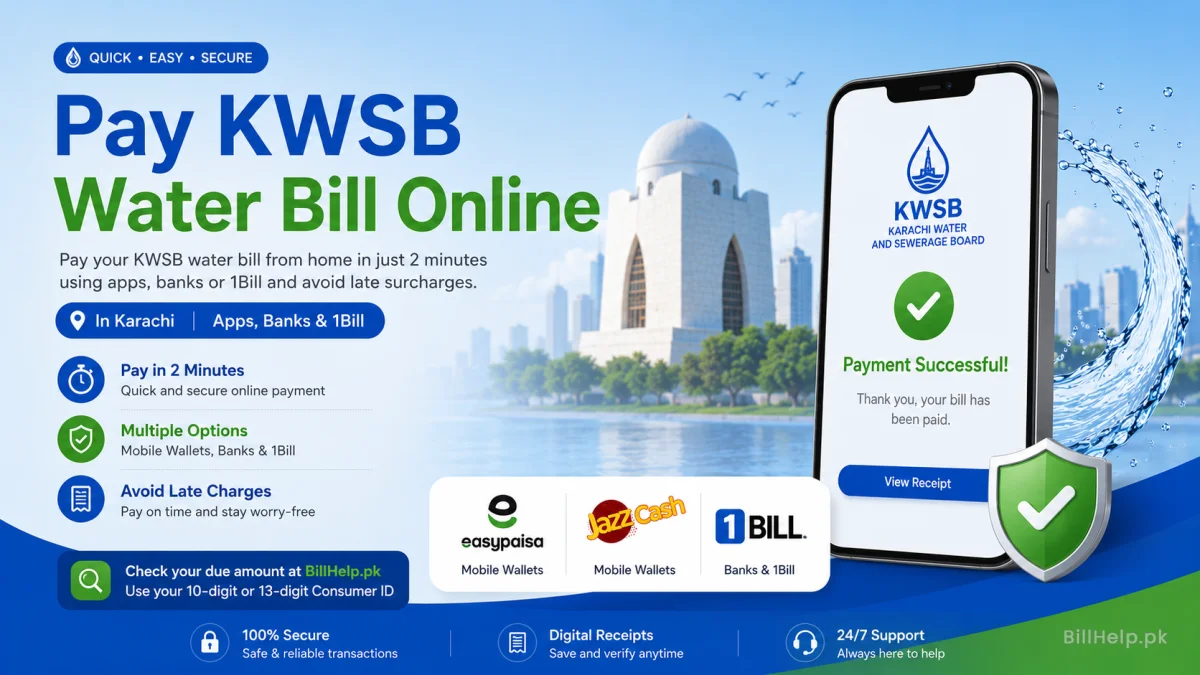
Now, paying utility bills in Karachi doesn’t mean waiting in long lines at bank branches. You can pay your kwsb bill on your home within two minutes online. Paying on time helps you avoid late surcharges through mobile wallets or online banking.
Before making a payment, fetch your current due amount using the BillHelp.pk KWSB Bill Checker using your 10-digit or 13-digit Consumer ID.
Mobile Wallets Payment (Easypaisa & JazzCash)
Easypaisa Application
- Open the Easypaisa app and log in.
- Tap on Bill Payment.
- Select Water as the utility type.
- Choose KWSB / KWSC Karachi.
- Enter your kwsb bill consumer number.
- Confirm account title and tap Pay Now.
JazzCash App
- Log into your JazzCash account.
- Select Pay Bills → Water.
- Select KWSB from the company list.
- Type your Customer ID number.
- Verify payable bill details and confirm with your MPIN.
Payment via Internet Banking Apps
All major commercial banks in Pakistan support kwsb online bill payment through their mobile apps and internet portals via 1Bill:
| Supported Banks | Category in App | Reference ID Needed |
|---|---|---|
| HBL, Meezan Bank, Bank Alfalah | Utility Bills → Water → KWSB | Consumer ID (10/13 Digits) |
| UBL, MCB, Allied Bank, NBP | 1Bill Invoice / Utility Bill | 1Bill Consumer Prefix + ID |
| NayaPay / SadaPay | Payments → Utilities → KWSB | Customer Account ID |
Verifying KWSB Bill Payment Status
After completing your online payment, always save your digital transaction receipt. You can verify your payment status by visiting BillHelp.pk after 48 hours to confirm that your outstanding dues show zero balance.