1. Introduction and Summary
IThe management of household and commercial utility records needs to be efficient in the digital era. K-Electric (KE) is the sole vertically integrated electricity utility provider for more than 3.4 million consumers operating in Karachi, Hub and parts of Balochistan. The company has upgraded its customer service infrastructure. Gone are the days of having to physically go to the utility office or wait in long lines at the local bank to request paper copies of duplicate statements.
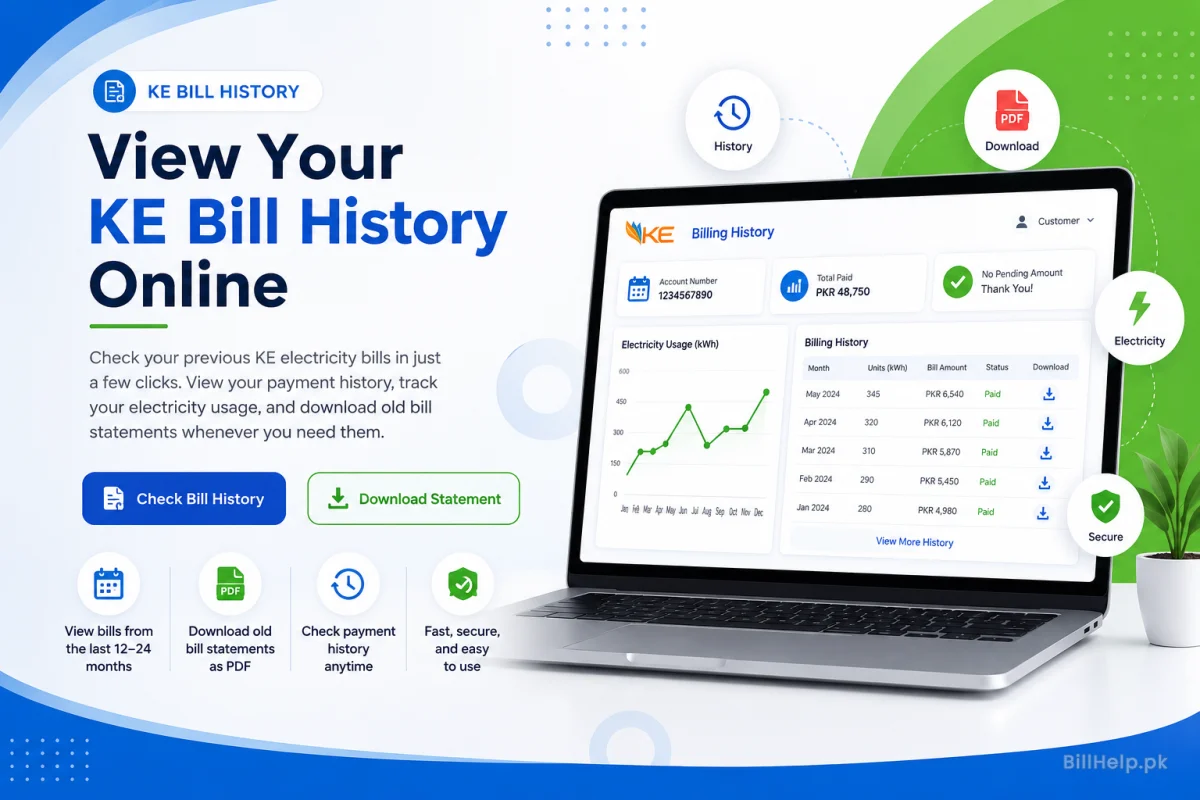
K-Electric has introduced a suite of digital self-service solutions allowing residential, commercial and industrial consumers to easily view, track and download previous billing histories. Whether you are performing personal financial audits, preparing documentation for tax filing, resolving tenancy payment splits, or verifying address proof for visa applications, having full digital access to historical utility data provides complete peace of mind.
High-Resolution PDFs
Download exact digital clones of your official paper statements complete with scannable barcodes and QR verification.
Consumption Auditing
Track how your kWh usage changes every month, during seasons. This helps you find where you are wasting energy and helps you use your appliances better.
Payment History
Check your transaction records and bank payment dates. You should also make sure there are no hidden bills left on your K-Electric account.
In this master guide we break down every online and automated channel available to retrieve past K-Electric bills. We explain the details, how the login info works and give you steps to fix common problems.
2. Requirements & Essential Credentials
To make sure you can get your bills without any trouble you need to understand how K-Electric sets up consumer accounts. Having the right identification details ready will help you avoid login errors.
Key Identification and Where to Find Them
13-Digit Account Number
Format: 13 Numerical Digits ( such as 0400012345678 )
Primary Purpose: The primary unique identifier for the physical meter installation premises. All online duplicate bill requests, WhatsApp downloads and portal profiles are compulsory.
Location: Your physical paper statement will clearly state “Account No.” in the upper right header area 02 Consumer Number Format: 8 to 10 Digits
Consumer Number
Format: 8 to 10 Digits
Primary Purpose: Relates a particular profile of the customer entity to billing accounts. It is mainly used for online bank transfers and e-wallet bill payments.
Location: Directly below or adjacent to the Account Number in the top header section.
Meter Serial No.
Format: Alphanumeric Code
Primary Purpose:The Meter Serial Number is for purpose of verifying that the physical hardware device is installed at the premises.
Location: Inside the reading details panel on the paper bill . Meter Serial Number . And also stamped on the physical meter body.
CNIC & Mobile Number Registered
Format: 13-Digit CNIC / 11-Digit Mobile Number
Primary Purpose: Registered CNIC & Mobile Number for identity verification, portal account creation 2-factor authentication and SMS alerts.
Location: Registered CNIC & Mobile Number is linked with your utility connection during first registration and can be updated through IBC customer service centers.
Important Difference: Account Number versus Consumer Number
Many users erroneously put their Consumer Number in duplicate bill portals and get a “Account Not Found” error Always make sure you are using the 13 digit Account Number If your old statement has less than 13 digits, add leading zeros to standardize the format.
3. Method 1: Official K-Electric Web Portals
K-Electric offers two separate web-based options such as a **Quick Duplicate Bill Service** for fast guest downloads that do not require registration and the **KE Customer Self-Service Portal** for registered account management and historical archives.
Option A: Quick Duplicate Bill Portal (No Registration Required)
Best if you want to download the latest bill or immediate past duplicate statement in under 60 seconds.
Visit Official KE Bill Website
Open up your web browser. visit the official portal page www.ke.com.pk Click Customer Support. Click on the drop-down menu and select Duplicate Bill.
Enter 13-Digit Account Number
Enter your 13 digit account number in the box below. No spaces, hyphens or special characters please.
.Captcha Solving & Authentication
Complete the visual reCAPTCHA test to prove you are human and click on the "Search" or View "Bill button".
View & Download PDF Copy
The system will load your statement. Click "Download Duplicate Bill (PDF)" to store a high-resolution printable copy directly to your download directory.
Option B: Registered KE Self-Service Portal (Extended Multi-Month History)
If you require full access to past billing records for up to 12 months, it is advisable to establish a permanent self-service portal profile:
- Specific link: selfservice.ke.com.pk.
- If you don’t have existing credentials, click “Register New Account.”
- Provide your 13 digit Account Number, valid Email Address, Registered Mobile Number and CNIC.
- Verify your registration through the One-Time Password (OTP) sent to your registered mobile phone or email.
- Log in and go to "My Account" > "Billing History". Here you will find a list of previous months along with their payment status, arrears, unit consumption details and PDF download option for each month’s statement.
4. Method 2: Using the KE Live Mobile Application
The **KE Live Mobile App** ( on iOS and Android) is made for modern smartphone users bringing all utility management into a single mobile dashboard.
1. Download & Install
Find KE Live on Google Play Store or Apple App Store. Install the app.
2. Sign In / Register
Use your registered number to sign into KE Live. If you prefer quickly create a new account profile.
3. Accessibility History
Open 'Billing & Usage History' to view and export statements
Advanced Features in KE Live App:
- Interactive Consumption Charts: A graph that shows monthly electricity consumption (kWh) for winter and summer months.
- Real-time Payment Clearance Status: You can see updates to check if a payment made through mobile banking apps has actually updated on KE servers.
- Multi-Account Management: If you are a landlord, a property manager or a multi-property owner you can. Monitor up to 10 distinct account numbers using just one login.
- Load Shedding & Outage Schedules: You can check feeder- power schedules at the same time as your billing history.
5. Method 3: Automated WhatsApp & E-Billing Services
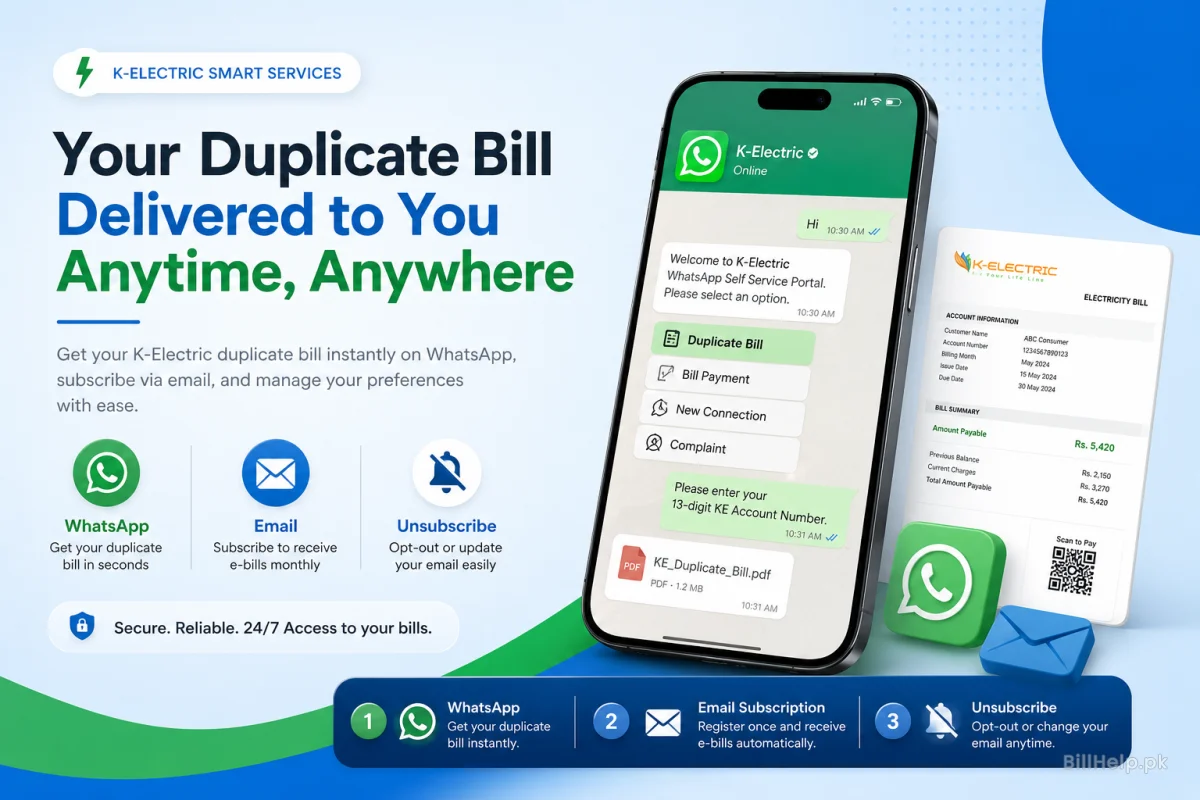
If you want things to be easy without having to browse web portals or install applications K-Electric offers direct automated push messaging services through WhatsApp and Email.
Option A: KE WhatsApp Self-Service Bot (+92-81118000)
K-Electric runs a verified WhatsApp business account that gives you instant automated replies along, with statement PDFs:
- Save K-Electric Official in your phone contacts as +92 81118000.
- Open WhatsApp . Search the contact and type a message " Hi " or " Bill ".
- Select "Billing Services"(or "Duplicate Bill") on the automated interactive response menu.
- When asked, give your 13-digit Account Number.
- The system will process your request in seconds and return a downloadable PDF file of your bill right into the chat window.
Option B: Free E-mail Delivery Sign-Up (E-Billing)
KE E-Billing: Register yourself with KE E-Billing and you’ll receive paperless billing statements every month in your inbox as soon as the meter readings are finalized.
How to Enrolll in E-Billing:
Send an SMS from your registered phone number to 8119 with the following: EBILL [Space] [13-Digit Account Number] [Space] [Your Email Address]
Fill in the digital E-Bill form available on the main KE website.
6.Complete Breakdown of Bill Parts
Knowing how your bill statements are broken down helps you monitor energy usage and verify that the charges are accurate.
Key Billing Components & Calculation Rules:
kWh consumed & Slabs
Kilowatt-hours ( kWh ) measure the quantity of energy consumed between meter readings. In Pakistan tariffs use a tiered slab system (1-100, 101-200 201-300, etc.). When you move into slabs the price, per unit rises for all units you use.
Fuel Cost Surcharge (FCS)
NEPRA approved monthly variable tariff component. It represents the difference between the global price of fuel (LNG, Coal, Furnace Oil) paid in generation and the baseline projections. FCA charges are added or credited per unit used.
Impact: Variable Monthly AdjustmentGovernment Taxes & Duties
Mandatory statutory fees imposed on utility bills. These include General Sales Tax (GST), Electricity Duty (ED), FBR Advance Income Tax under Section 235 (higher in case of non-filers), Quarter Tariff Adjustments (QTA) and PTV License fees.
Impact: Fixed Percentage AdditionsLate Payment Charge & Arrears
Late Payment Surcharge is a required fine that happens when payments are not made on time after the date.
7. Applications: Legal and Financial Use
Downloaded digital copies of bills are considered real legal papers for many government, money and official purposes, across Pakistan.
Proof of Address and Bank Account Opening
"People are required to furnish utility bills less than three months old to open an account or for KYC checks, so banks can know where a person lives.
Tax Return Filing & FBR Audits
Tax filers regularly claim tax credits derived from electricity bills based on billing records as permitted under Section 235 of the Income Tax Ordinance.
Tenancy Disputes & Property Take Over
Landlords and tenants use statements to verify that all utility bills have been paid before a security deposit is returned or a lease is terminated.
Visa Processing & Embassy Submissions
“Utility statements are also required by foreign embassies to be attested as another proof of permanent residency ties in Pakistan.
8. Troubleshooting and Frequent Technical Issues
Here are some tips for common technical glitches if you can’t see your billing history on the web:
ke.com.pk, or use the WhatsApp bot or KE Live App to receive the PDF directly.