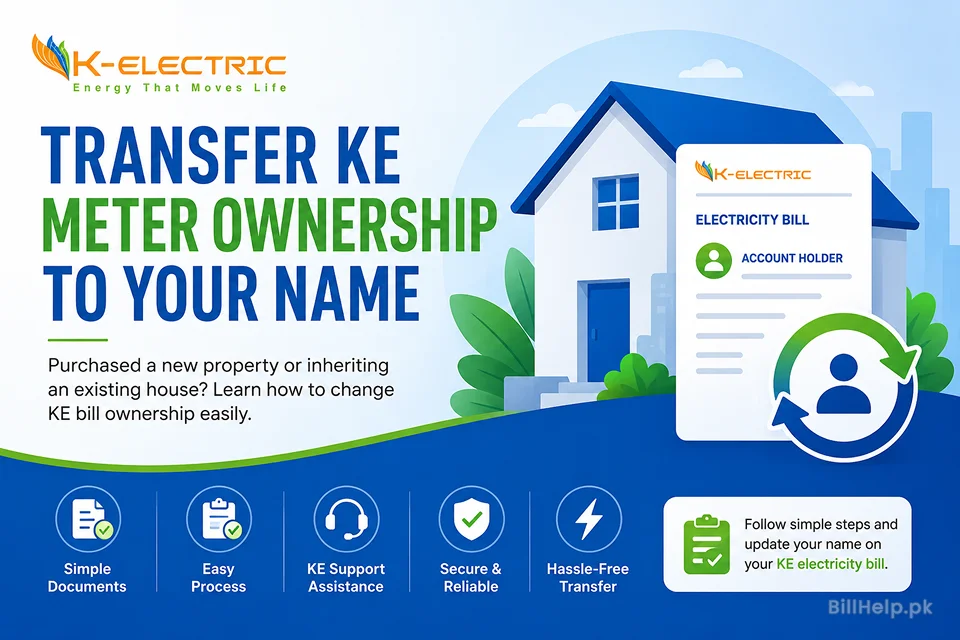
K-Electric (KE) is the only power distributor serving over 3.4 million customers in Karachi and adjoining areas of Sindh and Balochistan (Hub and Uthal). Updating the account title (ownership name) on your electricity bill is an important administrative task whether you have just purchased a new property, inherited a family home, leased a commercial outlet, or simply need to correct typographical errors on your bill.
Having the utility bill registered in your legal name is essential. An electricity bill serves as an official proof of address for opening bank accounts, obtaining passport/CNIC updates with NADRA, applying for commercial licenses and maintaining clean tax compliance. This ultimate guide explains every detail, requirement, cost factor and step-by-step procedure to successfully transfer your K-Electric meter ownership.
Important Clarification (Avoid Rejection)
Many general blogs incorrectly advise users to use the federal Electricity New Connection (ENC) portal (enc.com.pk). Please note that K-Electric does NOT use the ENC portal. KE is a private, vertically integrated utility operating its own independent system. Submitting KE requests on ENC will result in unanswered applications. Ownership transfers must be processed directly through KE Customer Experience Centres or the official KE Portal.
1. Major Requirements Before Transfer
Prior to collecting documentation or visiting the customer service office, please make sure that your electricity connection meets the following key pre-requisite requirements.
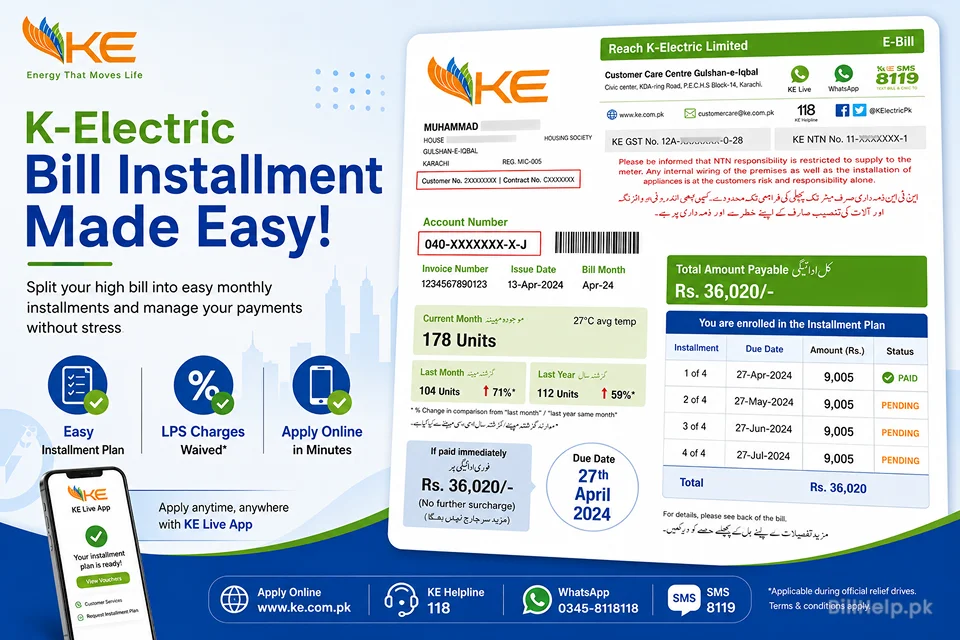
- Zero Outstanding Dues: All previous electricity bills including the current month and any outstanding bills have to be paid in full. Any pending payment against your Consumer Number K-Electric will not process the name transfer application. You can also pay pending dues in installments - read this K-Electric bill installments guide.
- Clean Property Title: The property should not be involved in any dispute or litigation proceedings regarding ownership.
- Load Assessment Confirmation: In case of the actual load attached with the connection being more than the sanctioned load, KE staff may ask for load enhancement along with name transfer.
2. Completed Required Documents Checklist
The documents required for K-Electric name transfer depend on the reason for the change of ownership. All the photocopies should be clear, readable and properly attested wherever applicable.
Regular Property Buyers (New Owners)
- CNIC Of Applicant: Attested Copy of valid Computerized National Identity Card (CNIC or NICOP) of the new owner.
- Proof of Ownership: Copy of documents of ownership registered legally, such as:
- Registered Sale Deed / Sub-Lease Deed / Conveyance Deed
- Official Transfer Letter from the housing authorities (e.g., DHA, MDA, KDA, PECHS, Bahria Town)
- Mutation Certificate (Intiqal) or Order of Allocation
- Last Electric bill paid: Copy of last month's K-Electric bill showing zero arrears and paid bank stamp.
- No Objection Certificate (NOC): Signed from the previous consumer for transfer of meter along with a copy of his / her CNIC. (Registered sale deed is the prime proof if seller is not traceable).
- Signed Undertaking Form: Standard KE Undertaking Form duly filled and signed on standard paper or PKR 50/100 Stamp Paper accepting responsibility for future utility dues.
Legal Heirs (Inherited Property)
- Death certificate of deceased account holder from NADRA / Union Council (Attested copy).
- Succession Certificate from the competent court OR Family Registration Certificate (FRC) issued by NADRA.
- NOC from all legal heirs for transfer of account in applicant's name.
- Certified copies of CNICs of all the legal heirs.
- Proof of property inheritance / title documents.
Tenants / Commercial Leases
- Valid, notarized Rent / Tenancy Agreement copy.
- Signed No Objection Certificate (NOC) from the actual property owner allowing account title modification or temporary user tag.
- Attested CNIC photocopies of tenant and owner of the property.
3. Step-by-Step guide of the application process
K-Electric does offer some online services such as CNIC/tax updates but the process of legal ownership transfer (Change of Title) involves document verification. Use the below steps to apply smoothly:
- collect and Check All Documents: Keep your photocopies of CNIC, ownership deeds, latest paid bill and NOCs in a physical file folder.
- Download or Obtain the Application Form: Download the official Change of Name Application & Undertaking Form from the K-Electric Official Website or pick the printed form from the Reception Counter at any Customer Experience Center (CEC).
- Visit the Nearest KE Customer Experience Centre (CEC): Find the nearest CEC center in Karachi (eg Clifton, Gulshan-e-Iqbal, North Nazimabad, Bahadurabad, Korangi, DHA) We are usually open from 09:00 AM until 05:00 PM, Monday through Friday (some locations have Saturday morning hours).
- Submit File & Physical Verification: Hand over the completed form and the attached photocopies to the customer services representative. Original documents of ownership and Original CNIC should be carried for physical verification at the counter. The officer will verify the originals on the spot and give them back to you straight away.
- Receipt Confirmation: If accepted , the officer will give you a computer generated Application Receipt with a unique Tracking ID / Order Number . Retain this receipt for your records.
- Field Inspection & Billing Cycle Update: In some cases KE field officers may come to the premises to check meter serial numbers and the correctness of readings. Once approved, you will see your new name on your monthly statement within 1 to 2 billing cycles.
Pro-Tip for Online Tax/CNIC Updates
If you are already the owner and your name is correctly spelled, but you need to link your CNIC to avoid the 7.5% Advance Income Tax for non-filers, you do not need to visit a center. Simply visit the official KE Update Customer Details Portal, enter your 13-digit Account Number, upload your CNIC details and click submit.
4. Application Process, Cost and Security Deposit
| Parameter | Details & Applicable Charges |
|---|---|
| Processing time of application | 7 to 15 working days after verification of documents and clearance of field report. |
| Application Form Fee | Free of charge (Form available free online or at CEC counters). |
| Processing Fee | A nominal administrative fee (typically PKR 100 – 500 depending on tariff category) added directly to your subsequent monthly electricity bill. No cash payment is required at the counter. |
| Difference in Security Deposit | KE shall revise the refundable Security Deposit as per the tariff rates and sanctioned load applicable at the time of transfer of ownership. If the deposit of previous owner was less, the differential deposit security amount will be billed in installments in future monthly bills under the new owner's name. |
5. App tracking and Helpline numbers:
You can track the progress of your transfer request or ask any questions through the official customer service portals of K-Electric:
Dial 118 or (021) 99000
+92 348 0000118 (Send "HI")
https://ke.com.pk
customer.care@ke.com.pk
Is now available at Google Play and Apple App Store
Details of KE Online Update Summary Take Away
Summary Takeaway
How to change name of K-Electric bill in Karachi? Collect the copy of CNIC, property sale deed / transfer letter, latest paid bill and NOC. You will need to visit your nearest KE Customer Experience Center with original documents for verification. Do not attempt to apply via the federal ENC portal, as K-Electric operates independently. All associated processing and security deposit charges are billed directly through your monthly bill.
References & Helpful Links
- Official K-Electric Main Portal: https://ke.com.pk
- K-Electric Customer Details & Tax Update Portal: https://ke.com.pk/update-customer-details/
- BillHelp.pk Utility Information Directory: BillHelp KE Guide Reference