1. Decoding Your PTCL Utility Statement
A utility bill often looks confusing full of strange abbreviations, taxes, service changes and many small charges. For customers knowing how PTCL invoices are built helps you avoid late fees, spot mistakes and keep an eye on services you are using.
Whether you subscribe to traditional landline PSTN, copper DSL broadband, CharJi wireless LTE, or modern Flash Fiber (FTTH), PTCL uses a standardized invoice layout. This master guide provides a section-by-section breakdown of every entry on the front and back of your bill, explaining how taxes are levied, why arrears appear, and what steps to take if you notice discrepancies.
2. Key Identifiers Found on the PTCL Bill Header
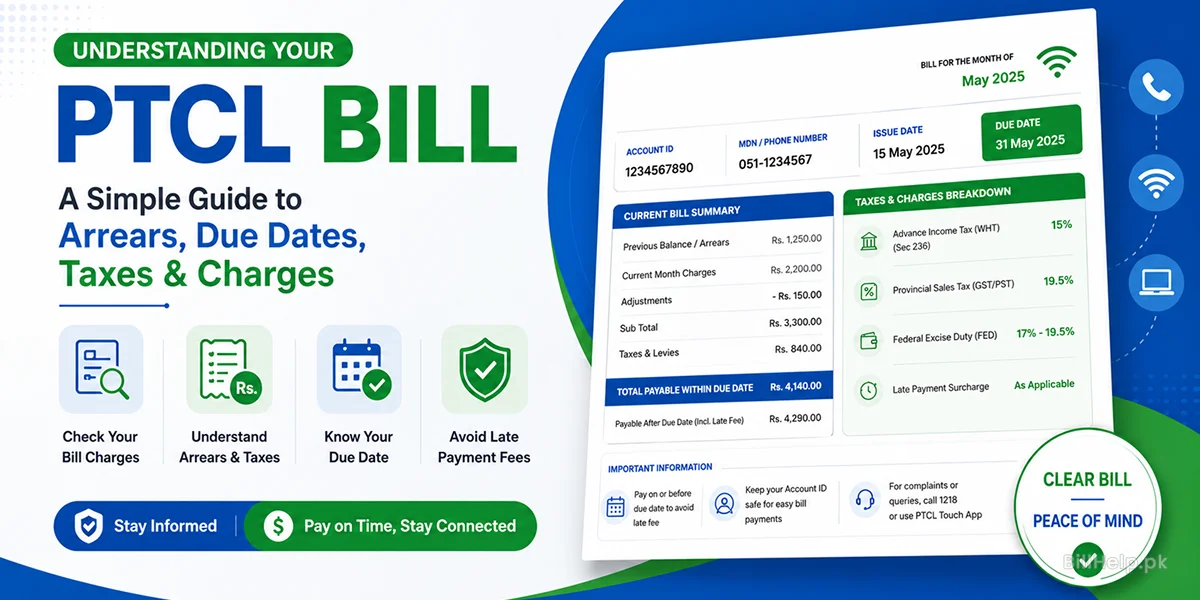
At the top of your bill you will see customer details and special routing codes that let you find your account and pay your bill online.
Account ID (10 Digits)
Your subscription has a 10‑digit account ID that is unique, to you. Unlike your telephone number, this ID never changes even if you move addresses. It is mandatory for online banking and wallet payments.
MDN (Mobile Directory Number)
This is your area STD code and phone number for landlines. For landlines, this reflects your regional STD code and phone number.
Date Issued
The actual date when the bill statement was generated by PTCL. This is a timestamp used to evaluate usage and subscription cycles.
Last Date for Due
Last day to pay bills before a late fee is assessed. Payments made after this date will be automatically subject to a late fee.
3. PTCL Billing Due & Bill Adjustments What is PTCL Billing Arrears and Bill Adjustment?
Members frequently ask about unexpected charges or line items on their statements that are labeled as previous dues or credits.
1. Arrears (Previous Dues)
Arrears represent unpaid or late payments brought forward from previous months. If you paid your previous invoice after the printing cutoff date, the payment may not have reached PTCL’s printing engine in time. So, that amount that is unpaid or paid late shows up under the 'Arrears' column on the current bill.
2. Changes to Bill
Adjustments are special credits or debits in the ledgers of PTCL. They are usually due to recorded complaints about service downtime, changes to packages (upgrades or downgrades) during a billing month or promotional changes. If the adjustment is negative , it will decrease your total bill . If the adjustment is positive , it will add any legitimate outstanding charges .
4. What Happens If You Don't Pay Your PTCL Bill After the Due Date?
Failing to pay your statement on or before the due date triggers a series of administrative actions, in PTCL’s billing and network management systems:
- Late Fee Surcharge: PTCL adds a standard late payment fee directly to the amount you owe once the due date has passed.
- Outgoing Barring: PTCL may restrict or temporarily suspend your landline call privileges and internet speed.
- Temporary Line Suspension: If PTCL still does not receive payment PTCL will suspend your service completely blocking both outgoing calls.
- Permanent Closure & Legal Recovery: If PTCL balances remain unpaid for a time PTCL will terminate the account permanently recover any equipment and send legal notices to recover the debt.
5. Complete Schedule of Tax & Statutory Levies
I understand taxes can be confusing. Taxes levied by the government and local tariffs make a major part of your monthly PTCL bill. Below is a summary of these taxes:
| Tax Component | Applicable Rate | Description & Regulatory Context |
|---|---|---|
| Advance Income Tax (WHT) | 15% (Subject to tax laws under Sec 236) | Withholding tax collected by PTCL on behalf of the Federal Board of Revenue (FBR). Taxpayers that is filers, on the Active Taxpayer List can claim or adjust this amount when they file their annual income tax returns. |
| Provincial Sales Tax (GST / PST) | 19.5% (Varies slightly by province) | Sales tax levied on telecommunication and broadband services by provincial revenue authorities (PRA in Punjab, SRB in Sindh, KPRA in KPK, and BRA in Balochistan). |
| Federal Excise Duty (FED) | 17% - 19.5% (In Islamabad Capital Territory) | Excise duty applied to telecom services operating within federal capital territories where provincial sales tax does not apply. |
| Late Payment Surcharge | Fixed / Percentage Tiered | A standardized penalty levied when payment is completed after the printed due date. |
6.Front Side & Back Side Section Details
The printed PTCL invoice is split into zones. Understanding these zones helps you trace how your final payable amount is calculated.
Front-Side Summary Panel
- Customer & Installation Address: Displays the owners name, registered national ID (CNIC) and physical connection site.
- Current Charges Breakdown: Shows the costs for the subscription plans extra services (VAS) landline lease and modem hire.
- Total Current Bill: The Total Current Bill equals the base services plus GST, PST and Advance Income Tax for the month.
- Payable Within Due Date: The total amount required if paid on or, before the due date.
- Payable After Due Date: Bill amount including the payment surcharge penalty.
Back-Side Terms & Conditions
- Service Disconnection Policy: Explains the timelines related to line suspension and permanent account termination because of dues.
- Equipment Ownership: Equipment Ownership states that optical network terminals (ONTs) Wi‑Fi routers and Smart TV set‑top boxes supplied by PTCL are PTCL’s company property unless you choose to buy them on purpose.
- Dispute Resolution Period: Dispute Resolution Period gives you the time frame that's usually from 14 to 30 days after the bill is issued. During that time you must make a billing objection.
- Payment Channel Regulations: Payment Channel Regulations show the list of authorized banks, digital wallets and PTCL One‑Stop‑Shops where you can legally make payments.
7. How to Dispute Incorrect Charges or Request Adjustments
If you find charges that you do not recognize amounts that are owed or days that were charged when nothing happened on your monthly bill take these steps to start a formal disagreement:
- Collect Documentation: Get your Account ID a copy of the bill and any past payment records or bank transaction numbers (TRX IDs) ready.
- Log a Ticket via PTCL Helpline (1218): Dial 1218. Ask to make a formal billing complaint. Write down the complaint reference number given by the person you speak with.
- Submit via PTCL Touch App: Use the mobile app to go to the 'Complaints section upload screenshots of the disputed items and send in a ticket.
- Visit a PTCL Joint Shop / OS3: If the issue is not resolved go to the PTCL Customer Care Center. Bring your physical payment proof to ask for a ledger adjustment.
8. Frequently Asked Questions (FAQs)
Q1: Why are arrears showing on my bill even though I paid months bill?
This happens when your payment was processed after PTCL’s monthly bill generation cutoff date. If you paid before the date keep your bank transaction receipt. The payment will appear as a credit, in the billing cycle.
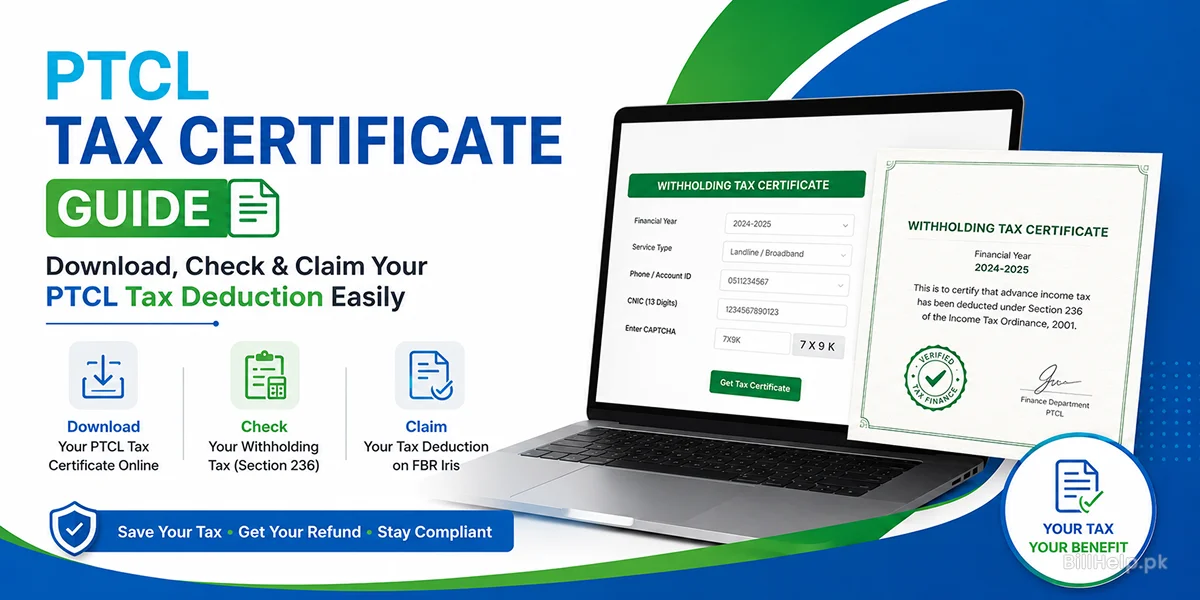
Q2: How can I obtain a tax certificate to claim my Withholding Tax (WHT)?
I can download a tax certificate from the PTCL portal or from the PTCL Touch app. To do that I must enter my Account ID and my CNIC number.
Q3: What is the difference between Account ID and Telephone Number on my bill?
The telephone number on my bill is the connection number that belongs to the area where I live. The Account ID on my bill is a ten‑digit code that identifies my billing profile.
Q4: What should I do if my internet speed is degraded due to pending bills?
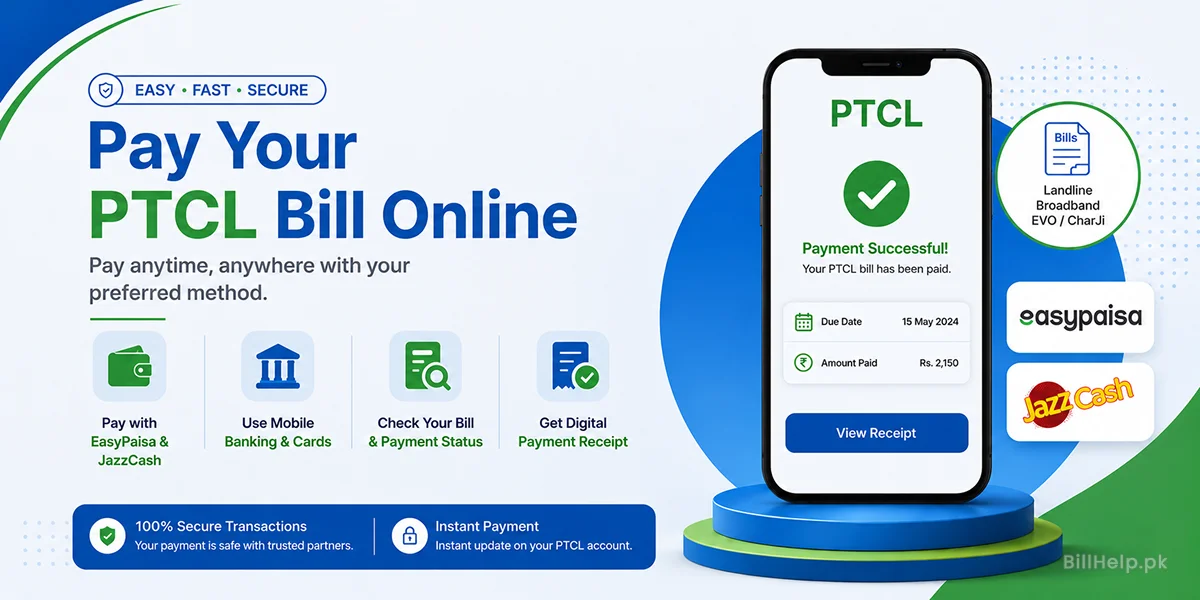
If my internet speed slows because I have bills I should pay the full amount right away using an instant online gateway such, as EasyPaisa, JazzCash or mobile banking. After the payment is processed the service usually comes back on automatically within ten to thirty minutes.
9. Ptcl Guides & Resources
Explore detailed guides available, on BillHelp.pk to help you with your utility management.
Check PTCL Bill Online
Learn how to check your bill and download a copy of your PTCL bill instantly.
Pay PTCL Bill Online
Step-by-step instructions for paying your bill using EasyPaisa, JazzCash and mobile banking.
Download Tax Certificate
Instructions on how to get your tax deduction certificate, for filing your tax return.
Flash Fiber Bill Guide
Guide on PTCL FTTH packages, charges, and optical fiber billing.
Official sources to check:PTCL official website