KWSB/KWSC water tanker online booking in Karachi: Official Rates Booking Process through App Hydrant Phone Numbers Follow-up of Complaint
Is there a water shortage in your neighborhood? The Karachi Water and Sewerage Corporation has gone live with its online water tanker management system (OTS). There is no need to go to the physical hydrant or pay huge amounts to the private tanker operators.
Karachi's Water Supply Crisis & The Online Tanker Service (OTS)
Karachi is one of the largest megacities in the world and is facing a perennial and pressing challenge of access to reliable and safe water supply. The city is home to over 20 million people and has a constantly growing population. It needs about 1100 Million Gallons per Day (MGD) of potable water, but the official piped supply from the Indus River and Hub Dam is usually less than 600 MGD. Much loss is due to inefficiencies in the distribution infrastructure, and in many neighborhoods there are occasional dry spells or chronically low pressure.
In an effort to curb these shortages and save the people from the clutches of the private water cartels, the Karachi Water & Sewerage Corporation (former KWSB, now KWSC) launched the Online Tanker Service (OTS). This digitalized system incorporates municipal hydrants with OTS Tracking tools, transparent price matrices, and computerized registration. Through OTS, residents can now transparently track a demand directly to their underground tanks and avoid non-government-mandated tariffs without leaving home.
Quick KWSB Utility Bill Check
Check your specific water charges, arrears and download an official billing snapshot using your Consumer ID.
Detailed Classification of KWSB Water Tanker Services
KWSC categorizes tanker dispatches into classifications designed to balance residential survival needs with industrial and commercial demand.
General / Subsidized Residential Tankers
Designed specifically to deliver water to residents experiencing localized shortages, fully managed via municipal subsidies.
- Eligibility: Requires valid 10-13 digit KWSB residential bill consumer number.
- Pricing: Government subsidized rates depending on gallon volume.
- Quota: The rate of request is restricted depending upon the location and zonal availability.
Tank Trucks Commercial & Institutional
Offering multi-storied apartment complexes, commercial plaza, manufacturing units, educational services and medical facilities.
- Priority Dispatches: Expediting priority queues to prevent commercial operational shutdowns.
- Pricing: Commercial non-subsidized standard price schedule.
- Fleet Capability: Large capacity 3,000+ gallon tankers.
Official KWSB Water Tanker Rate Schedule & Tariff Matrix
KWSC regulates water tanker prices to eliminate regulatory inflation during peak summer months. Prices are calculated based on gallon volume, service distance from the regional bulk hydrant and destination zone.
| Tanker Volume | Subsidized Rate (0-10 Km) | Subsidized Rate (11-20 Km) | Commercial Rate | Primary Delivery Zones |
|---|---|---|---|---|
| 1,000 Gallons (Approx. 3,785 Liters) | Rs. 1,000 – Rs. 1,200 | Rs. 1,500 – Rs. 1,700 | Rs. 2,500 – Rs. 2,800 | Single Family Homes, Small Units |
| 2,000 Gallons (Approx. 7,570 Liters) | Rs. 2,400 – Rs. 2,700 | Rs. 2,700 – Rs. 3,000 | Rs. 4,000 – Rs. 4,500 | Large Households, Shared Tanks |
| 3,000 Gallons (Approx. 11,355 Liters) | Rs. 3,500 – Rs. 3,800 | Rs. 3,800 – Rs. 4,100 | Rs. 5,000 – Rs. 5,500 | Apartments, Commercial Complexes |
How to Apply for a Water Tanker from KWSB? Stepwise Guide
Through the KWSC official web portal or mobile application, it takes only a few minutes to book a municipal water tanker. Here's how to make your booking:
Sign up and visit the portal
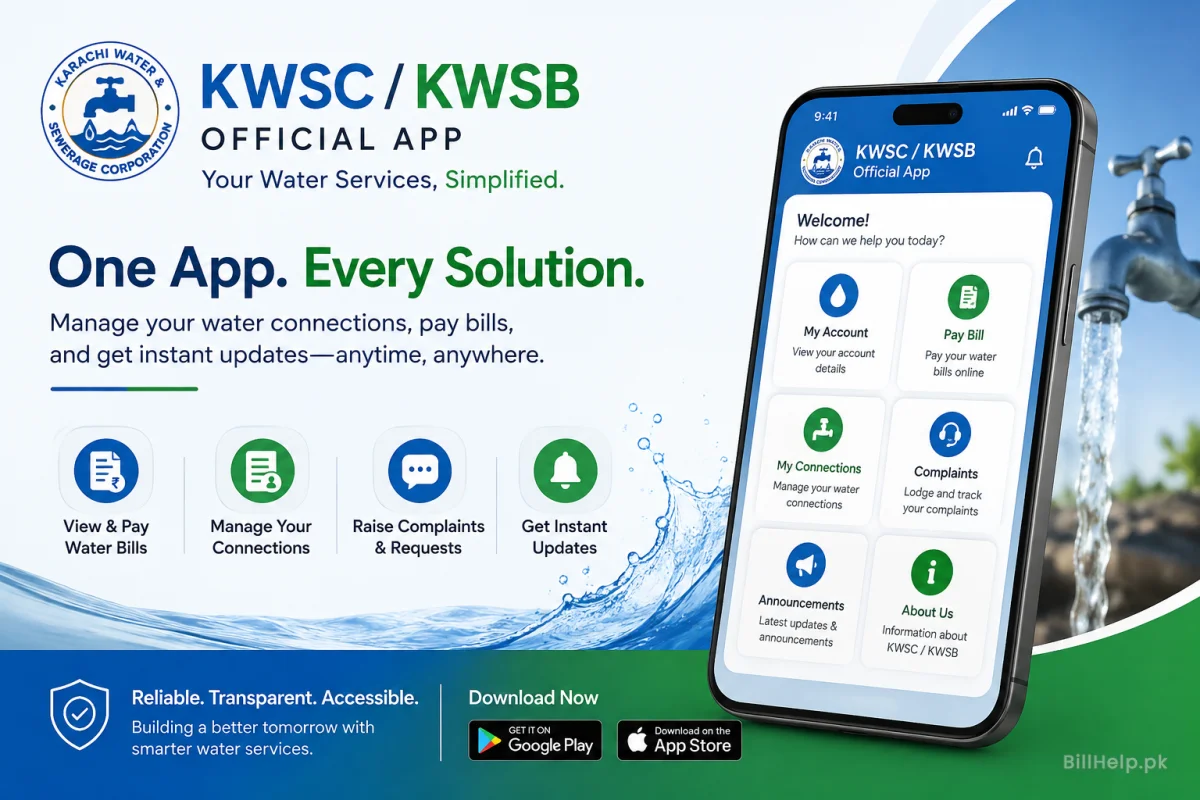
You can download the official KWSC App (Google Play Store and App Store) or visit the KWSB Online Tanker Booking page. Please register with your primary mobile number and CNIC for account verification.
Consumer Number Verification
Enter your KWSB Consumer ID 10 to 13 digits available on the top right corner of your regular water utility bill. We verify your residential address on a pre-authorized basis for rate eligibility.
Choose Volume & Delivery Address
Choose desired volume (1,000, 2,000 or 3,000 Gallons). Use the built in map selector to check your exact street address, house number, block number and landmark.
Driver Tracking & Booking Confirmation
You will receive an SMS with your unique Request Slip ID upon confirmation. When your status changes to 'Dispatched', driver contact details will be shared for tracking.
Official KWSB Hydrant Command Centers in Karachi
KWSC operates several primary hydrants strategically located across Karachi. If you require urgent processing assistance or need to track an existing delivery request, contact your local regional hydrant center directly.
NIPA Gulshan Hydrant
Primary Areas Covered: Gulshan-e-Iqbal (All Blocks), Bahadurabad, University Road, Jamia Millia & Malir Cantt.
Safoora Hydrant
Primary Areas Covered: Scheme 33, Safoora Goth, Metroville, Gulistan-e-Jauhar (Block 7-14) & Abul Hassan Isphahani Rd.
North Karachi Hydrant
Primary Areas Covered: Power House Chowrangi, New Karachi, Buffer Zone, Sector 11-A, 11-B & North Nazimabad.
Sherpao Korangi Hydrant
Primary Areas Covered: Korangi Industrial Area, Landhi, Korangi Crossing, Shah Faisal Town & Model Colony.
Crush Plant Hydrant (West Zone)
Primary Areas Covered: Manghopir, Orangi Town, Baldia Town, SITE Industrial Area & Hawkesbay Road.
Clifton II Civil Lines Hydrant
Primary Areas Covered: Clifton (Blocks 1-9), Defence Phase 1 to 8, Saddar, Elphinstone Street & Civil Lines.
Anti-Overcharging Rules & Driver Misconduct Complaints
Unregistered private water cartels often attempt to overcharge residents during peak demand periods. KWSC has a strict zero tolerance policy on drivers trying to charge anything above the official rate printed on your receipt.
- Always ask for Official Receipts: Never pay cash to anybody without getting an official computerized payment receipt (printed or digital via SMS).
- Report Overcharging: If a driver demands extra supply charges, make a note of the vehicle registration number or the driver's details and lodge a formal complaint.
- Official 24/7 Helpline: Call 1338 from any landline or mobile network for urgent assistance.
- WhatsApp Complaint Desk: Send booking receipt details and driver complaints directly via WhatsApp to +92 312 281 1338.
Explore More KWSB Utility Guides
Access complete documentation and step-by-step solutions for main services across our central portal.